> ## Documentation Index
> Fetch the complete documentation index at: https://orgo.space/docs/llms.txt
> Use this file to discover all available pages before exploring further.
# OAuth Server
> Use Orgo as an identity provider — let members log in to external apps with their Orgo account
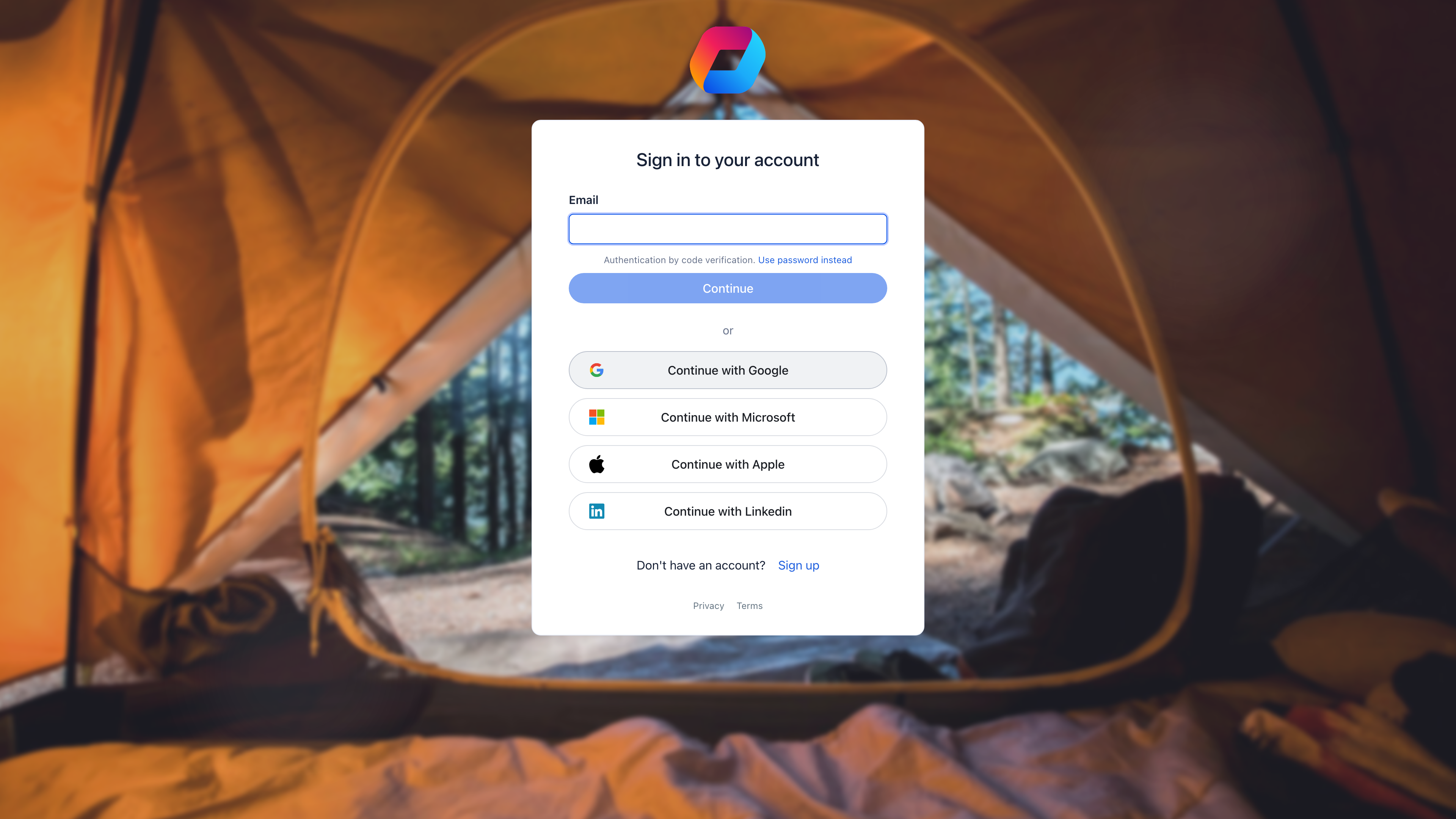
Orgo can act as an OAuth 2.0 provider. This means your members can use their Orgo credentials to log in to your website, internal tools, or partner applications — "Login with Orgo" — without creating separate accounts.
 ***
## When to use this
| You want to... | OAuth Server? |
| ---------------------------------------------------------- | ----------------------------------------------------------------------------------------------- |
| Let members log in to your website with their Orgo account | Yes |
| Authenticate users in a custom mobile app | Yes |
| Provide SSO for internal tools (wiki, project manager) | Yes |
| Give partner services access to member data (with consent) | Yes |
| Let external people log in to Orgo using Google/Microsoft | No — that's [SSO Authentication](/platform/integrations) (inbound), not OAuth Server (outbound) |
***
## How it works
```
1. User clicks "Login with Orgo" on your app
↓
2. User is redirected to Orgo's login page
↓
3. User authenticates and approves access
↓
4. Orgo redirects back with an authorization code
↓
5. Your app exchanges the code for an access token
↓
6. Your app uses the token to get user info
```
This is the standard OAuth 2.0 Authorization Code flow.
***
## Setting up an OAuth application
**Settings** → **Developers** → **OAuth Applications** → **Create Application**
***
## When to use this
| You want to... | OAuth Server? |
| ---------------------------------------------------------- | ----------------------------------------------------------------------------------------------- |
| Let members log in to your website with their Orgo account | Yes |
| Authenticate users in a custom mobile app | Yes |
| Provide SSO for internal tools (wiki, project manager) | Yes |
| Give partner services access to member data (with consent) | Yes |
| Let external people log in to Orgo using Google/Microsoft | No — that's [SSO Authentication](/platform/integrations) (inbound), not OAuth Server (outbound) |
***
## How it works
```
1. User clicks "Login with Orgo" on your app
↓
2. User is redirected to Orgo's login page
↓
3. User authenticates and approves access
↓
4. Orgo redirects back with an authorization code
↓
5. Your app exchanges the code for an access token
↓
6. Your app uses the token to get user info
```
This is the standard OAuth 2.0 Authorization Code flow.
***
## Setting up an OAuth application
**Settings** → **Developers** → **OAuth Applications** → **Create Application**
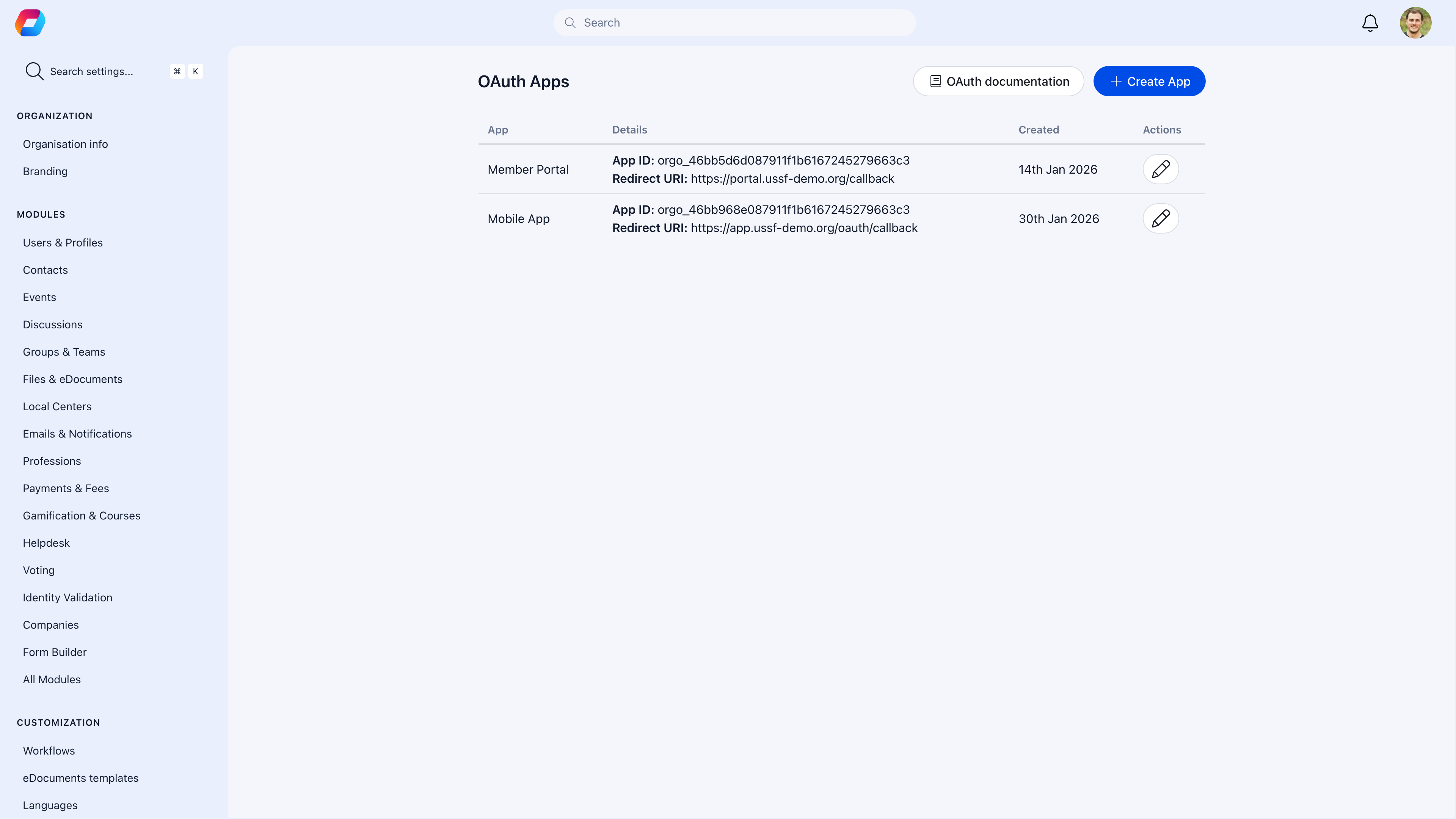 | Field | What to enter |
| ----------------- | --------------------------------------------------------------- |
| **Name** | What users see during authorization — "My Organization Website" |
| **Description** | What the app does (for your reference) |
| **Redirect URIs** | Where Orgo sends users after authorization — must match exactly |
| **Scopes** | What data the app can request |
After creating the app, you'll receive a **Client ID** and **Client Secret**. Store the secret securely — it's shown only once.
***
## OAuth endpoints
| Endpoint | Purpose |
| ------------------ | --------------------------------------------------------- |
| `/oauth/authorize` | Where you send users to log in |
| `/oauth/token` | Where your server exchanges the code for a token |
| `/oauth/userinfo` | Where your server retrieves the authenticated user's data |
***
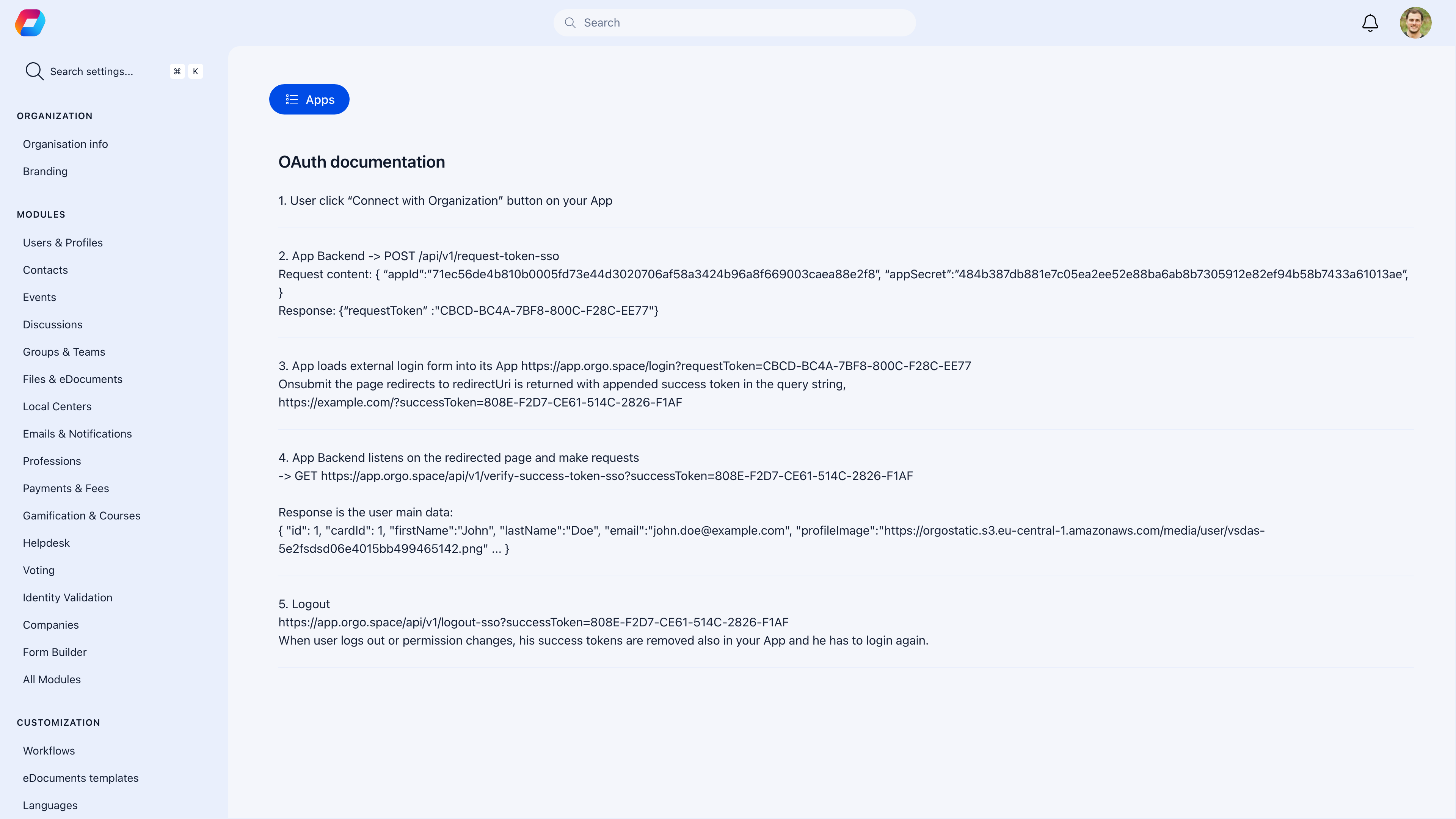
Orgo includes a built-in OAuth documentation page that developers can reference when building integrations:
| Field | What to enter |
| ----------------- | --------------------------------------------------------------- |
| **Name** | What users see during authorization — "My Organization Website" |
| **Description** | What the app does (for your reference) |
| **Redirect URIs** | Where Orgo sends users after authorization — must match exactly |
| **Scopes** | What data the app can request |
After creating the app, you'll receive a **Client ID** and **Client Secret**. Store the secret securely — it's shown only once.
***
## OAuth endpoints
| Endpoint | Purpose |
| ------------------ | --------------------------------------------------------- |
| `/oauth/authorize` | Where you send users to log in |
| `/oauth/token` | Where your server exchanges the code for a token |
| `/oauth/userinfo` | Where your server retrieves the authenticated user's data |
***
Orgo includes a built-in OAuth documentation page that developers can reference when building integrations:
 ***
## Implementation
### Step 1: Redirect to authorization
Send users to Orgo's authorization endpoint:
```
GET /oauth/authorize?
client_id=YOUR_CLIENT_ID&
redirect_uri=YOUR_REDIRECT_URI&
response_type=code&
scope=profile email
```
### Step 2: Exchange code for token
After the user authorizes, Orgo redirects to your URI with a code. Exchange it server-side:
```
POST /oauth/token
Content-Type: application/x-www-form-urlencoded
grant_type=authorization_code&
code=AUTHORIZATION_CODE&
client_id=YOUR_CLIENT_ID&
client_secret=YOUR_CLIENT_SECRET&
redirect_uri=YOUR_REDIRECT_URI
```
### Step 3: Get user info
Use the access token to retrieve the user's profile:
```
GET /oauth/userinfo
Authorization: Bearer ACCESS_TOKEN
```
Response:
```json theme={null}
{
"sub": "user-uuid",
"name": "John Doe",
"email": "john@example.com",
"picture": "https://...",
"groups": ["main-group", "local-center"],
"roles": ["ROLE_USER"]
}
```
***
## Available scopes
| Scope | What it grants access to |
| --------- | -------------------------- |
| `profile` | Name, profile picture |
| `email` | Email address |
| `groups` | Group memberships |
| `roles` | User roles and permissions |
Request only the scopes your app needs — fewer scopes means less data exposure and a simpler consent screen for users.
***
## Common scenarios
The redirect URI in your authorization request must exactly match one of the URIs registered in the OAuth app settings. Watch for trailing slashes, http vs https, and port numbers.
Access tokens have a limited lifetime. Use refresh tokens to get new access tokens without requiring the user to log in again.
SPAs can't safely store the Client Secret. Use the PKCE extension of the Authorization Code flow for browser-based apps, or handle the token exchange on your backend.
Use the `roles` scope to get the user's Orgo roles. In your app, map these roles to your permission system — e.g., Orgo `ADMIN_TENANT` → your app's admin role.
Never expose the Client Secret in client-side code (JavaScript, mobile apps). The secret must stay on your server. All token exchanges should happen server-to-server.
***
## Related
* [Integrations](/platform/integrations) — Connect third-party services to Orgo
* [Members](/platform/users) — User data that OAuth provides access to
***
## Implementation
### Step 1: Redirect to authorization
Send users to Orgo's authorization endpoint:
```
GET /oauth/authorize?
client_id=YOUR_CLIENT_ID&
redirect_uri=YOUR_REDIRECT_URI&
response_type=code&
scope=profile email
```
### Step 2: Exchange code for token
After the user authorizes, Orgo redirects to your URI with a code. Exchange it server-side:
```
POST /oauth/token
Content-Type: application/x-www-form-urlencoded
grant_type=authorization_code&
code=AUTHORIZATION_CODE&
client_id=YOUR_CLIENT_ID&
client_secret=YOUR_CLIENT_SECRET&
redirect_uri=YOUR_REDIRECT_URI
```
### Step 3: Get user info
Use the access token to retrieve the user's profile:
```
GET /oauth/userinfo
Authorization: Bearer ACCESS_TOKEN
```
Response:
```json theme={null}
{
"sub": "user-uuid",
"name": "John Doe",
"email": "john@example.com",
"picture": "https://...",
"groups": ["main-group", "local-center"],
"roles": ["ROLE_USER"]
}
```
***
## Available scopes
| Scope | What it grants access to |
| --------- | -------------------------- |
| `profile` | Name, profile picture |
| `email` | Email address |
| `groups` | Group memberships |
| `roles` | User roles and permissions |
Request only the scopes your app needs — fewer scopes means less data exposure and a simpler consent screen for users.
***
## Common scenarios
The redirect URI in your authorization request must exactly match one of the URIs registered in the OAuth app settings. Watch for trailing slashes, http vs https, and port numbers.
Access tokens have a limited lifetime. Use refresh tokens to get new access tokens without requiring the user to log in again.
SPAs can't safely store the Client Secret. Use the PKCE extension of the Authorization Code flow for browser-based apps, or handle the token exchange on your backend.
Use the `roles` scope to get the user's Orgo roles. In your app, map these roles to your permission system — e.g., Orgo `ADMIN_TENANT` → your app's admin role.
Never expose the Client Secret in client-side code (JavaScript, mobile apps). The secret must stay on your server. All token exchanges should happen server-to-server.
***
## Related
* [Integrations](/platform/integrations) — Connect third-party services to Orgo
* [Members](/platform/users) — User data that OAuth provides access to