Survey and form builder for member organizations
Build surveys, polls and sign-up sheets inside Orgo, share one link, and read the answers where your members already are. A question appears only when an earlier answer calls for it, so nobody wades through questions that are not about them.
- Conditional questions: show a question only to people who picked a particular answer
- Answers that can update the member's or contact's profile, such as their chapter or phone number
- Results as charts, one response at a time, a table or a CSV file
Built for associations, federations, clubs and nonprofits that ask their members and the public questions more often than once a year.
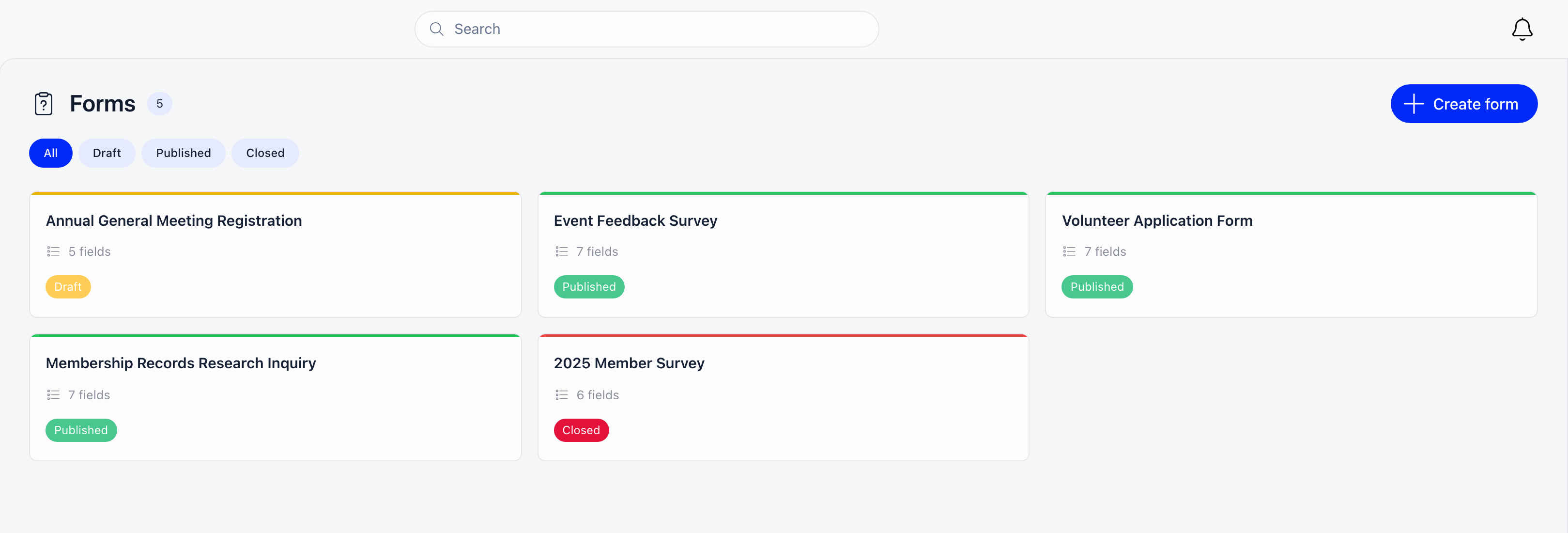
Forms and surveys at a glance
| Question types | Short answer, paragraph, multiple choice, checkboxes, dropdown, number, true/false and date, plus chapter, gender and profession questions and text blocks between them |
|---|---|
| Conditional questions | Show a question only if an earlier dropdown, multiple choice, checkboxes or true/false question has a chosen answer; hiding a question hides everything that depends on it |
| Who can answer | Only registered members, anyone who confirms their email address, or anyone at all, anonymously |
| Sharing | One public link with a social-media preview, or a form section on a page built with the Orgo website builder |
| Answers to profiles | A question can copy its answer to the respondent's chapter, phone, address, social links or any of your own profile fields |
| New people | An email address Orgo does not know becomes a contact, marked as coming from a form |
| Results | A chart per choice question, each response on its own, a table of every response and a CSV export of up to 10,000 rows |
| Closing | Stop answers with one switch or a scheduled date and time, and limit answers to one per device |
Forms and surveys matter most to
Teams running surveys in Google Forms
The answers sit in a spreadsheet nobody links back to the member. Here every answer from a known email lands on that member's or contact's record, next to their events and payments.
Organizations with mixed audiences
Members, volunteers and the public answer the same form. Ask "Are you a member?" first and show each group only the questions that apply to them.
Federations keeping records current
An annual check-in form asks for the chapter, phone and address and writes the answers to the profile, so nobody re-types them from a spreadsheet.
Ask the right people the right questions, and keep the answers
Questions that fit the person answering
Write the questions, put them in order, and decide which of them depend on an earlier answer.
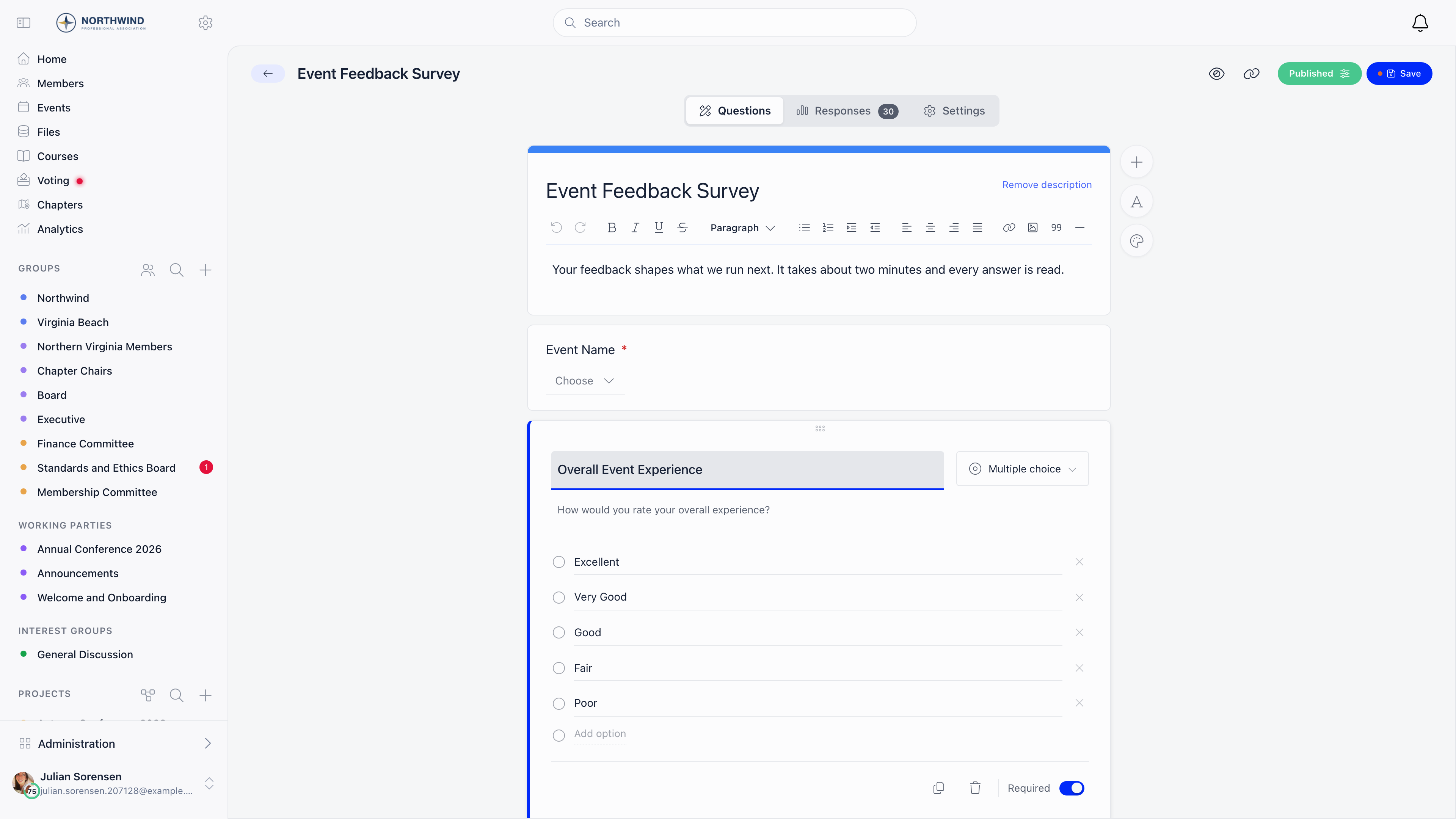
Set any question to "Show only if" an earlier question "is any of" one or more answers. The earlier question can be a dropdown, multiple choice, checkboxes or true/false question.
- Rules can chain: a hidden question also hides every question that depends on it
- The builder shows the rule on each question, for example Shown if "Are you a member?" is Yes
- Answers to hidden questions are never stored, even if someone sends them
Short answer, paragraph, multiple choice, checkboxes, dropdown, number, true/false and date. From the built-in profile fields you can also add a chapter question that lists your local chapters, a gender question and a profession question. Text blocks carry instructions between questions and collect nothing.
Fields you already keep on member profiles can be added to a form as questions, with their options as you defined them. Encrypted and admin-only fields stay off public forms.
Add a header image, show or hide the title, description and your logo, and pick the color of the submit button. A custom thank-you page replaces the default one after someone answers.
Who can answer, and when
Publishing a form gives it a short public link. Each form decides who may use it and for how long.
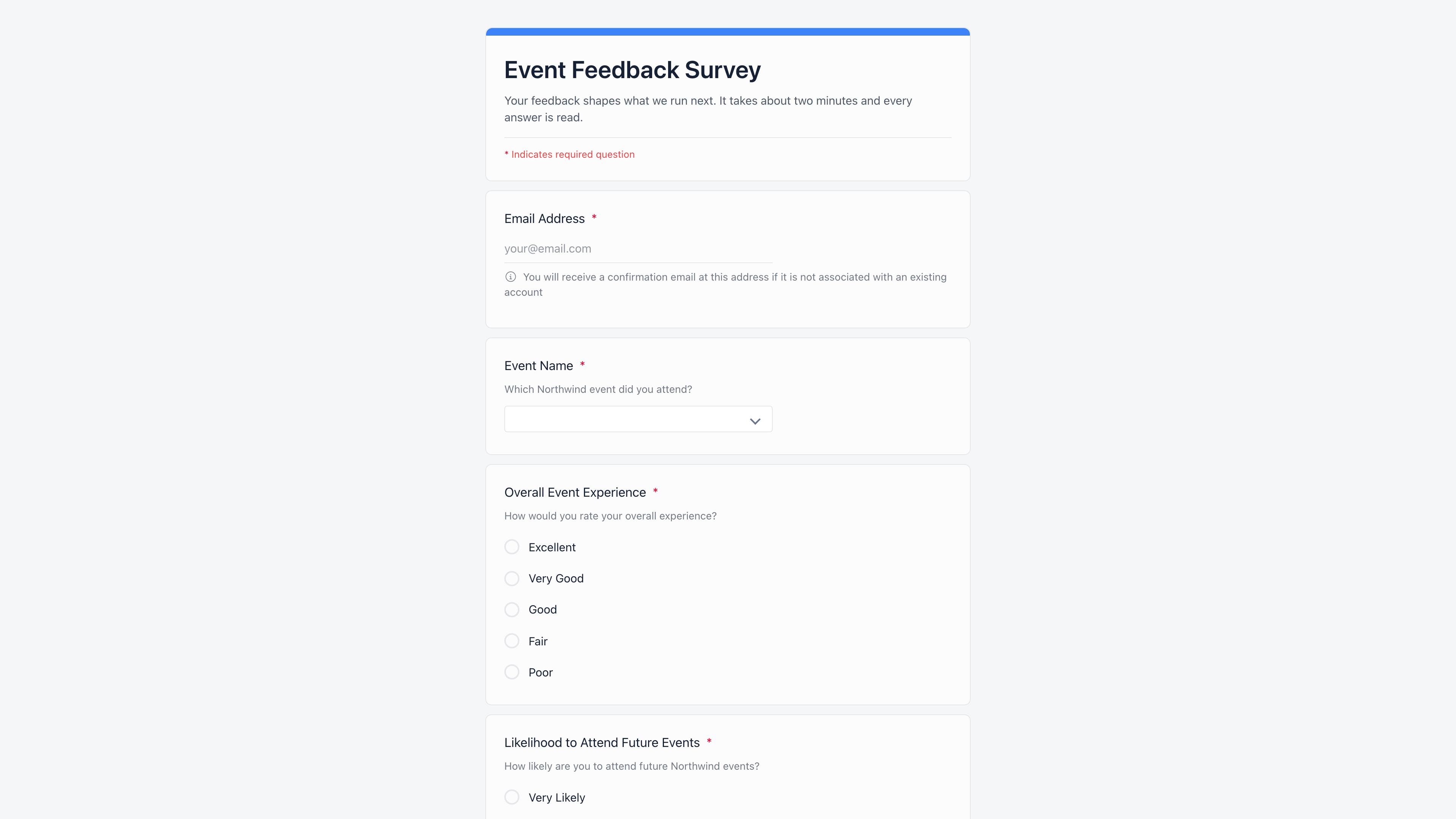
Choose one per form:
- Only registered users: the email must belong to a member account
- Anyone with email verification: a new address gets a confirmation link, valid for 24 hours
- Anyone, anonymously: no email asked and no respondent stored
A member who is signed in has their email filled in and skips the confirmation step.
Turn on "Not accepting responses" to stop answers at once, or schedule a date and time after which the form shows itself as closed. The link keeps working and shows a closed notice instead of the questions.
An optional limit sends a second attempt from the same device to the thank-you page. It deters casual repeat answers rather than proving identity: a different browser or network counts as a new device.
A published form that accepts answers from non-members can sit on any page built with the Orgo website builder. Editing the form updates every page that carries it.
Answers that land on the right record
A survey is also a way to grow and correct your records, as long as you know who answered.
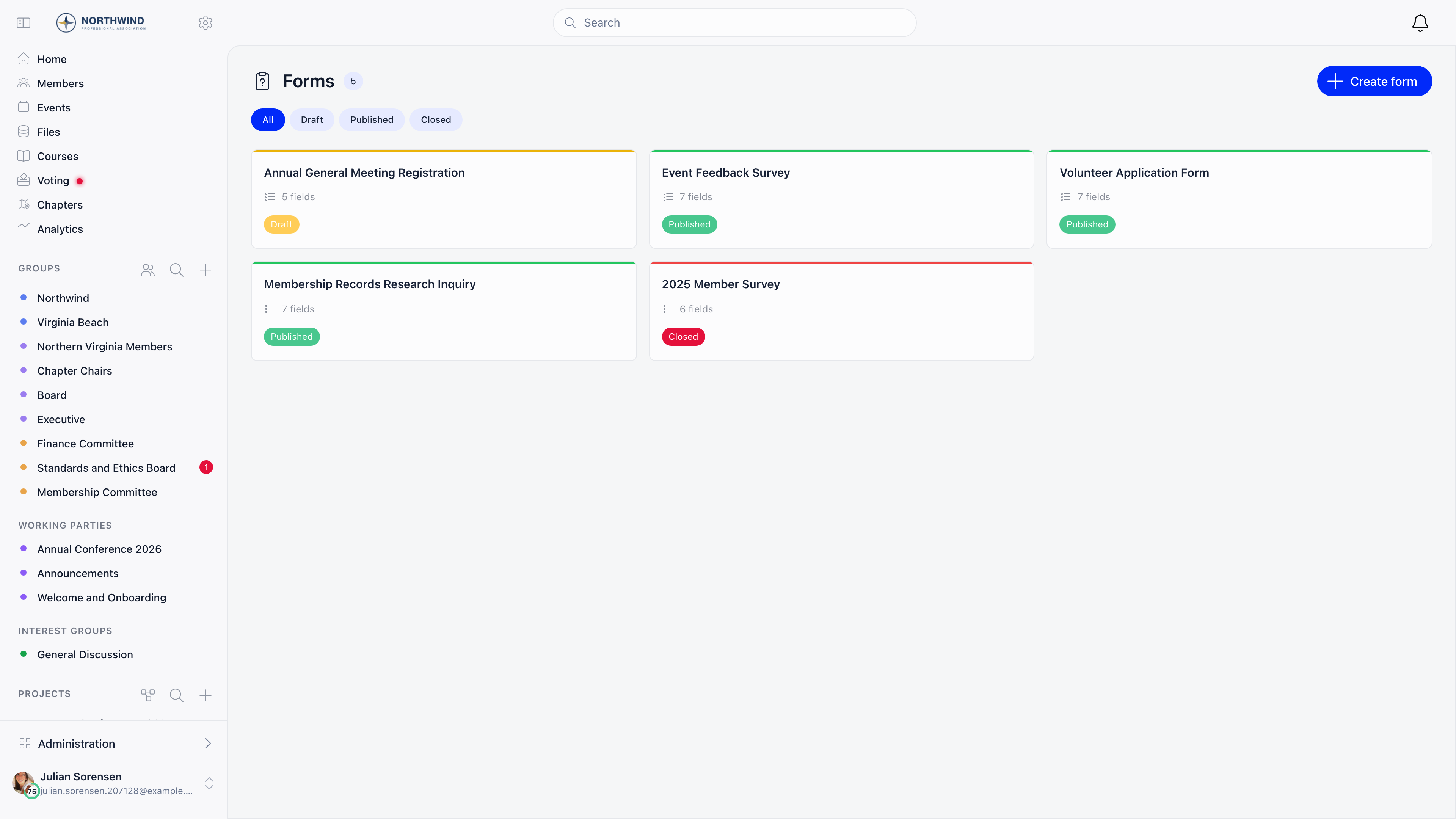
On a form that asks for an email, an address that matches a member is linked to that member, and one that matches a contact is linked to the contact. An unknown address creates a new contact with the name given on the form, marked as coming from a form.
Point a question at a field on the respondent's record and the answer is copied there:
- Built-in fields: chapter, phone, address, town, postal code, country, gender, social links, current organization and role, profession
- Any of your own profile fields of a matching type
- Copied only once Orgo knows who answered: a signed-in member, a confirmed email, or a contact the form created
An empty answer never clears what is already on file, and a member's chapter is filled in only when it is empty, never moved.
A member's profile and a contact's record list every form they answered, with the date and whether the answer is confirmed. Selecting one opens their answers. Access follows the profile's permissions, so chapter administrators see their own chapter's members.
Results you can read and share
Responses open inside the form, in three views, and leave as a spreadsheet when the board wants one.
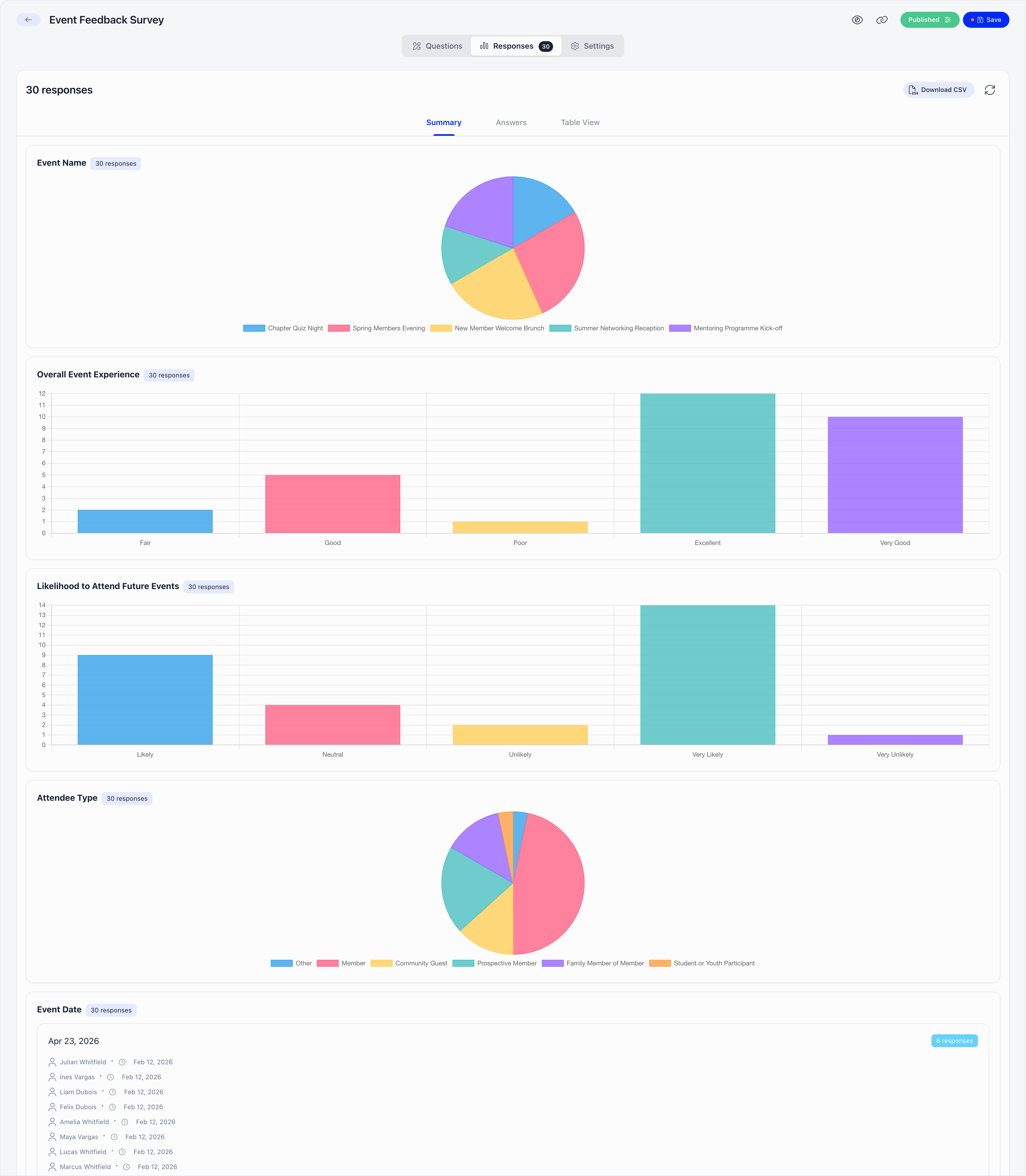
A chart per choice question, and the text answers grouped by identical value with who sent them and when. A conditional question is counted against the people who were shown it, not against everyone who opened the form.
Walk through responses one at a time in the layout the respondent saw, or read one row per response and one column per question in Table View. A single response can be deleted from the Answers view.
Download up to 10,000 responses with the same columns as the table. On an anonymous form, the respondent and email columns are left out of both.
Forms and surveys FAQ
Yes. Any question can be set to show only if an earlier dropdown, multiple choice, checkboxes or true/false question has one of the answers you pick. Rules can chain, and hiding a question hides every question that depends on it. Orgo checks the rules again when the form is submitted, so an answer to a question the respondent was not shown is never stored.
No, unless you set the form to accept registered users only. A form can also accept anyone who confirms their email address, or anyone at all with no email asked. A member who is already signed in has their email filled in for them.
Yes. Each question can save its answer to a field on the respondent's record: their chapter, phone, address, social links, profession or one of your own profile fields. The answer is copied only when Orgo knows who answered, which means a signed-in member, a confirmed email address or a new contact the form created. An empty answer never clears what is on file.
Yes. Set the form to accept answers from anyone, anonymously. No email is asked, no respondent is stored, and the respondent columns disappear from the table and the CSV export. To discourage repeat answers, turn on the one-answer-per-device limit, which works from the browser and network rather than from a name.
The registration form collects what someone tells you when they join and creates their account. Forms are for the questions you ask afterwards: a satisfaction survey, an interest poll, a call for volunteers or a sign-up sheet. Event registration questions live on the event itself, and a membership application with approval and a signed document is an adhesion.
It has no file-upload question and does not take payments; for those, use a profile field or a paid event or membership. Conditional questions show or hide questions on one page rather than sending people to different pages. There are no quiz scores; for graded tests use the quizzes in Orgo's courses.
See your next survey built in Orgo
- 1 Pick a 30-minute slot. You talk to the people who built Orgo, not an account executive working from a script.
- 2 We build one of your real forms during the call, with conditional questions and answers that land on member profiles.
- 3 You keep the sandbox to evaluate with your team, plus a written plan for moving the forms and data you already have.
Related features
Contacts CRM
The contacts a form creates, with every answer on their record.
Learn moreNewsletter
Send the survey link to a segment and follow up with the people who answered.
Learn moreWebsite builder
Put a form on any page of your public website.
Learn moreEvent management
Registration questions asked when someone books a place.
Learn more