Chamber of commerce software
Your members are local businesses from every sector. Orgo treats each one as a company, not a list of people.
- One company fee covers every seat, paid through Stripe or bank transfer
- Each member company votes through its Voting Representative, on an anonymous ballot
- A public business directory, filterable by industry and size, on your own website
Built for local and regional chambers of commerce, bilateral chambers and business networks whose members are companies.
Chamber of commerce software at a glance
| Member record | One record per company: legal name, registration number, VAT number, billing address and a financial contact |
|---|---|
| Company dues | One Company only fee covers every seat; the paid-until date is copied to every staff member with an account |
| Seats | Set by the plan the company buys; 0 means unlimited, and pending invitations count toward the total |
| Payment methods | Stripe card checkout, an emailed invoice for bank transfer with a payment reference, or a payment your staff mark as received |
| Company status | New companies start Pending and turn Active on their first paid membership fee |
| Renewal reminders | About a month, 7 days and 1 day before expiry, on the expiry date, then 7, 14 and 30 days after |
| Company vote | One vote per Voting Representative of an active company whose fee is paid through the vote's start date |
| Voter list | Follows every change until the vote starts, then is fixed and never changes again |
| Ballot secrecy | Anonymous by default, with an integrity code each voter can check after the vote |
| Public directory | List, Cards and Map views, filters on company fields marked Use as a filter, opt-in per company, embeddable anywhere |
| Website | Website Builder with a Professional template for chambers, live events and files sections, on your own domain |
| Import | CSV import for companies, then for company members with their roles |
Trusted by leading organizations















Everything a chamber of commerce runs, in one platform
Company membership dues
A chamber bills the business, not the people who work there. One company fee, one invoice, every employee covered.
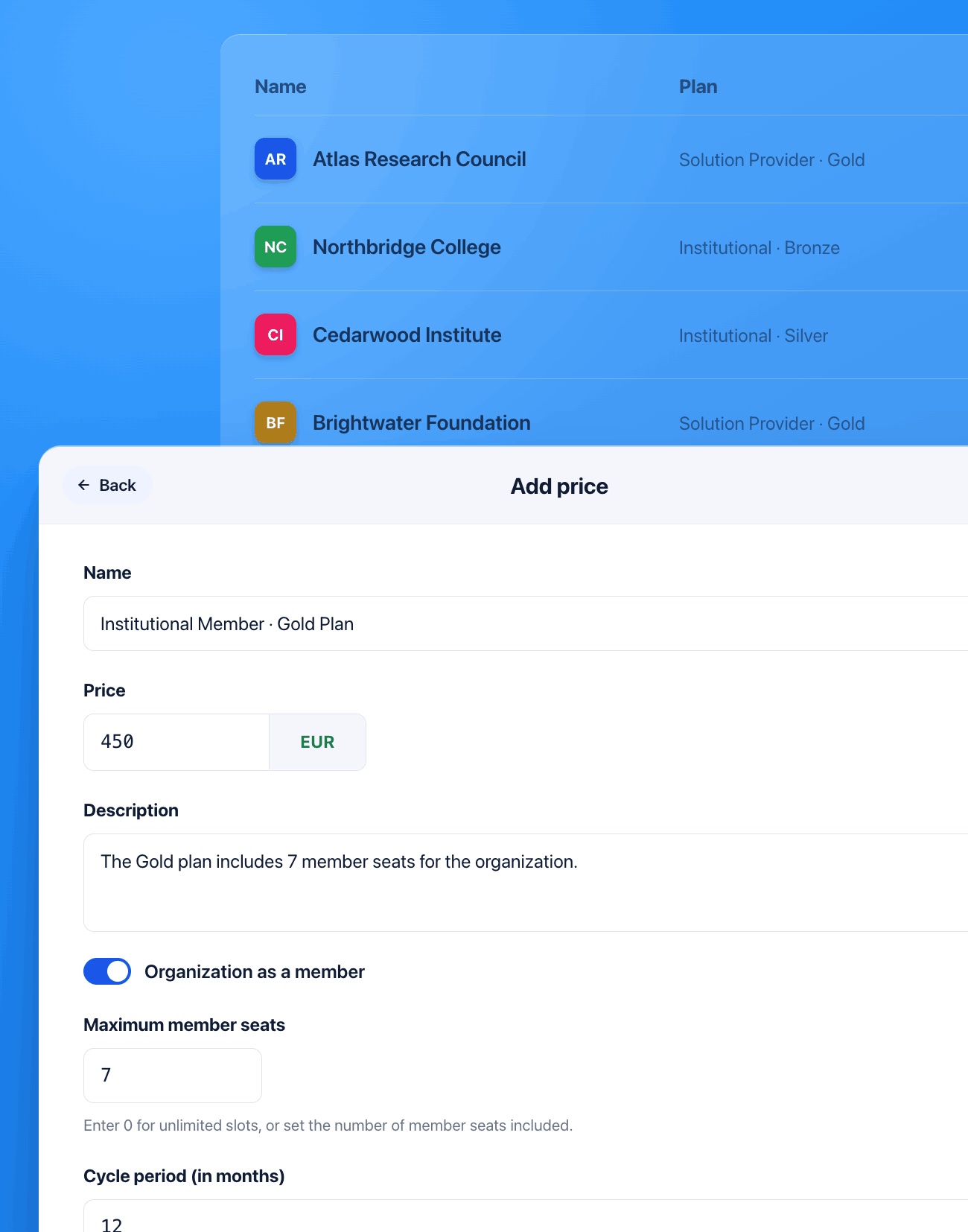
Mark a fee price Company only and give it a number of company slots. Companies buy it, individuals can't, and the slot count becomes the company's seat allowance. A value of 0 means unlimited seats.
When the company pays, Orgo copies its valid-until date onto every staff member who has an account. Their own fee screen says the membership is managed by the company, so nobody pays twice.
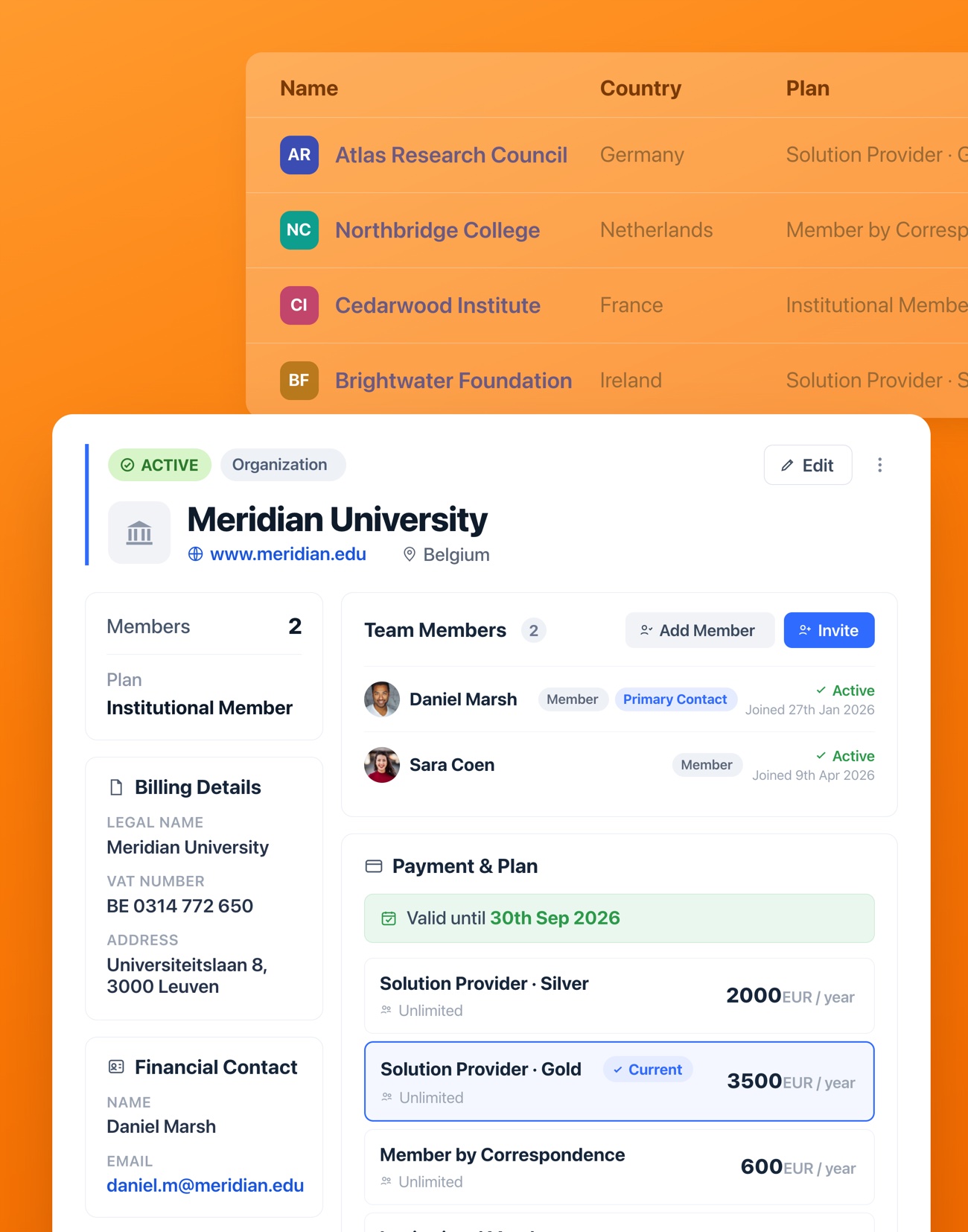
Companies pay their dues through Stripe or bank transfer. Before payment, Orgo checks that the legal name, billing address and financial contact are filled in. The company then chooses one of three routes:
- Pay online through Stripe checkout
- Get an invoice for bank transfer, emailed with a reference to quote
- Your staff mark a payment received outside the platform as paid
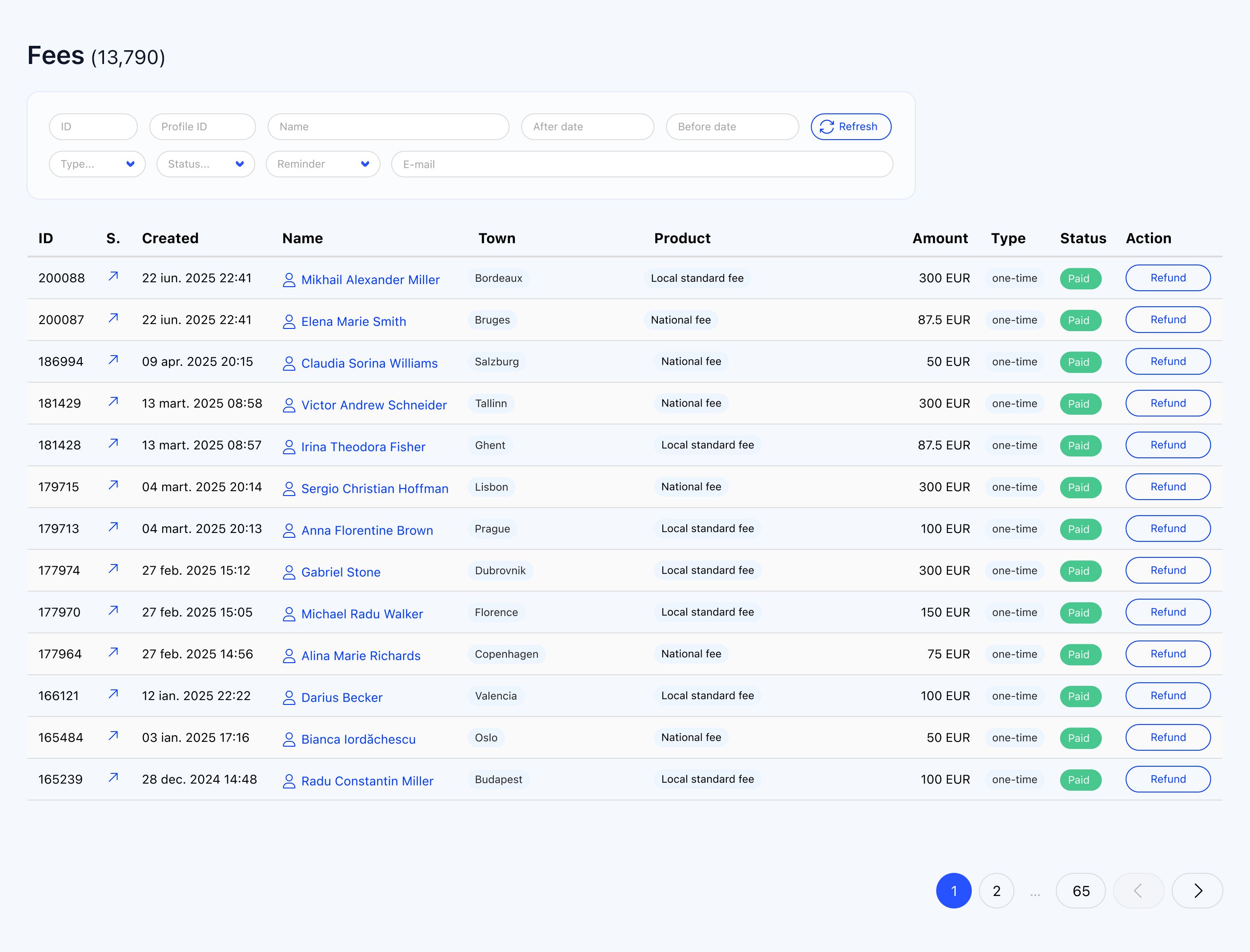
A new company starts Pending and turns Active on its first paid membership fee, so your active list only holds companies that have actually paid.
On a fee cycle anchored to the calendar year, a company joining mid-year pays only for the months left. The quote shows the list price struck through and the exact period, and the charge is recomputed at checkout.
Reminders go out about a month before expiry, 7 days and 1 day before, on the expiry date, then 7, 14 and 30 days after. Each is addressed to the company's financial contact and copies the Primary Contact plus two extra addresses you set. Renewal opens 60 days before the period ends.
Turn on Company Fee Payment Mandatory and a company whose fee has lapsed is locked out. The Primary Contact lands on a three-step payment page, and everyone else is told who to ask.
Company voting through the Voting Representative
At a chamber's general assembly, the company votes, not each employee. Orgo has a voter audience built for exactly that.
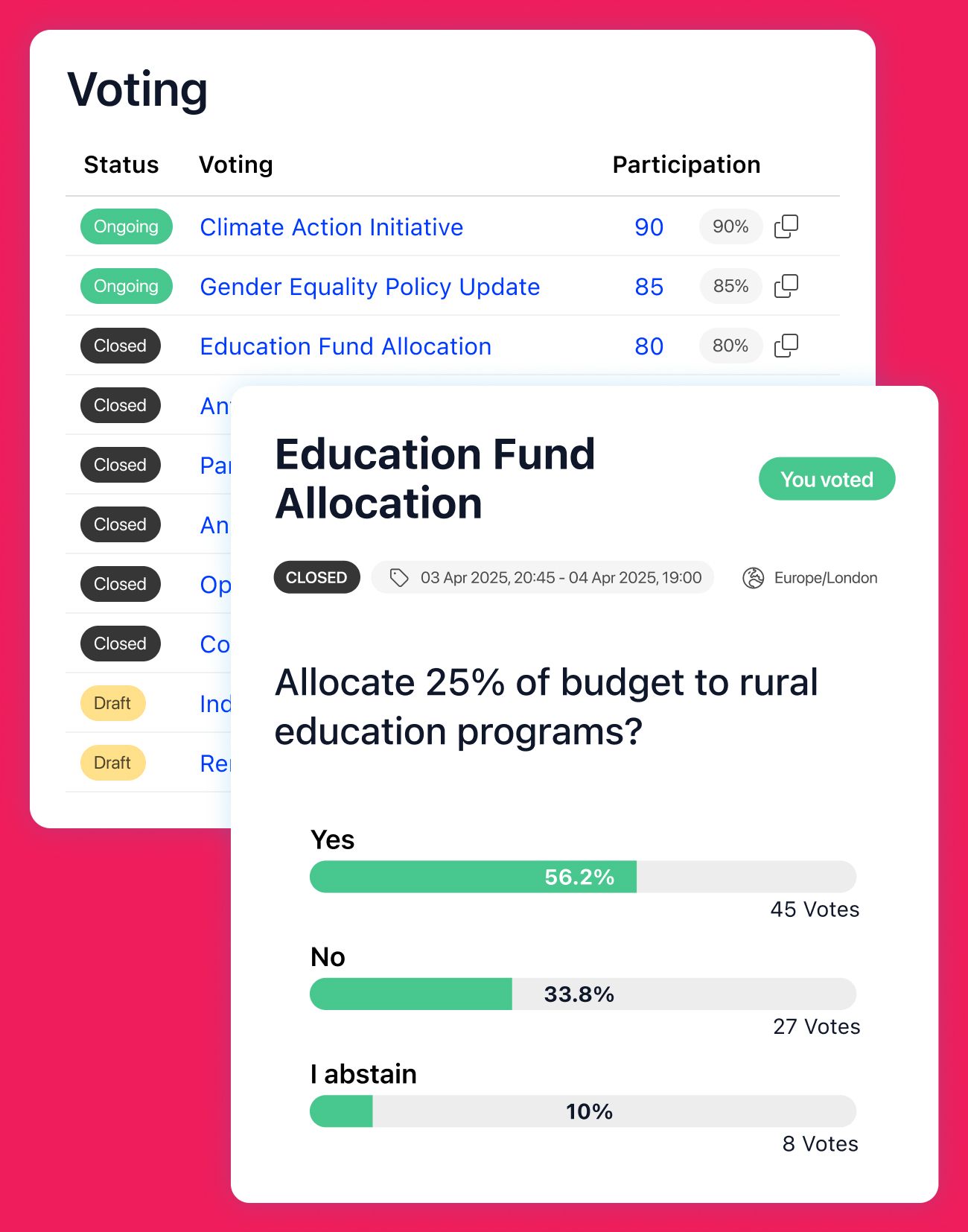
Choose Company vote under Who is voting and the voters are the Voting Representatives of your member companies. You don't build or upload a voter list by hand.
A representative is on the list only when their company is active and its fee is paid through the vote's start date. A company that hasn't renewed doesn't vote, and nobody has to check that by hand.
When the vote opens, Orgo copies the list once and it never changes again. The Participation panel says whether the list is still live or already fixed, and shows each voter with their company.
Anonymous voting is on by default: a ballot is stored with no link to the person who cast it. Each voter gets an integrity code to check later that the stored ballots haven't been altered.
Fullscreen shows the results with your logo, for a projector in the assembly hall. Turnout, voted and pending counts are visible to whoever runs the vote throughout.
When a company changes its representative
Member companies replace the person who speaks for them all the time. In Orgo that's a role change, not a paperwork exercise.
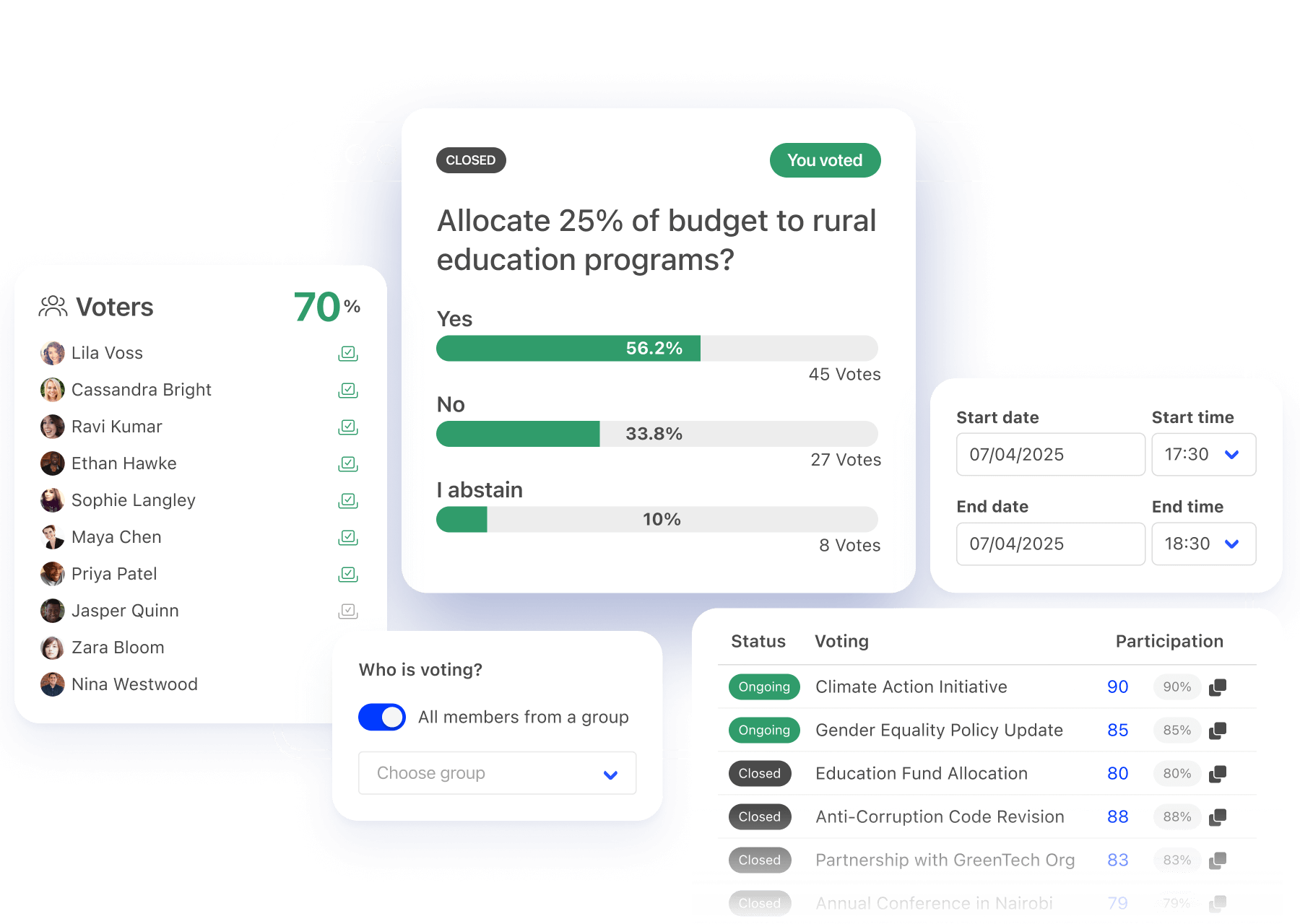
The company's Primary Contact or your staff give the Voting Representative role to someone else in the company. The role leaves the previous holder in the same action, so a company never has two.
Until a vote starts, its voter list tracks every change: a new representative, a role moved to someone else, a company that lapses or pays. Nobody edits the ballot.
Whoever represented the company when the vote started keeps that vote. A representative appointed afterwards votes from the next ballot, so a late change can't hand a company two votes.
Orgo doesn't run a request-and-approval workflow for delegating a vote, or keep a separate delegation history. If your statutes require a written proxy, collect it as a signed eDocument and move the role when it arrives.
A public business directory
For many chambers the directory is a membership benefit companies pay for: being found by other local businesses and buyers.
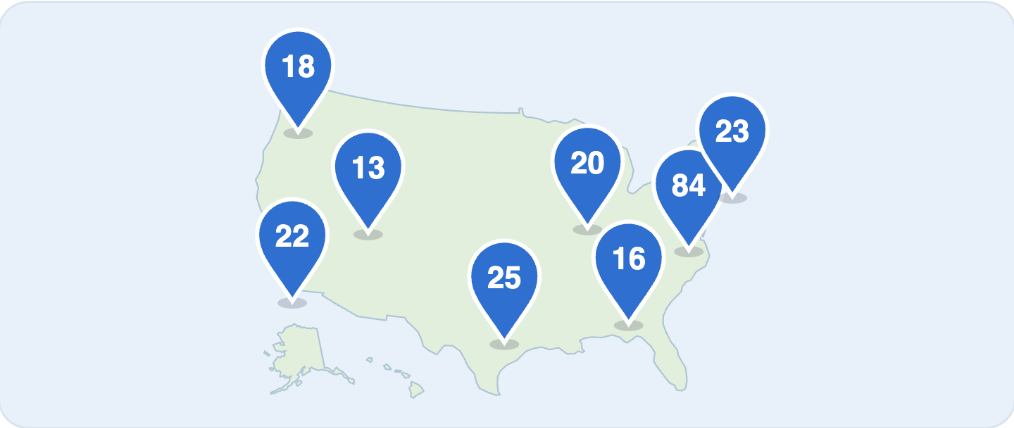
Company fields work like questions every company answers, such as sector, number of employees or services offered. Mark a dropdown, checkbox, radio or switch field Use as a filter and it becomes a filter in the directory.
Offer any combination of the three views and choose the one the page opens on. Each listing shows the company's logo, description, website, town and country.
With Only companies that opt in switched on, each company decides through Show in public directory. You can also require its fee to be paid before it appears.
Copy the embed code into any website, or add the company directory section in the Website Builder. Both show the views you chose.
Contact details, billing data, postal address, VAT or registration number, fees and member counts stay private. Only fields you marked Public are shown.
Each company page can carry a featured video or audio link, with YouTube, Vimeo, Spotify and SoundCloud playing in the page, plus a gallery of up to 12 photos.
Signed-in members get the same company directory inside the platform, with search, a map and the same filters.
Your chamber's website
Build the public site in the same platform as the membership, so events, documents and the directory are never typed in twice.
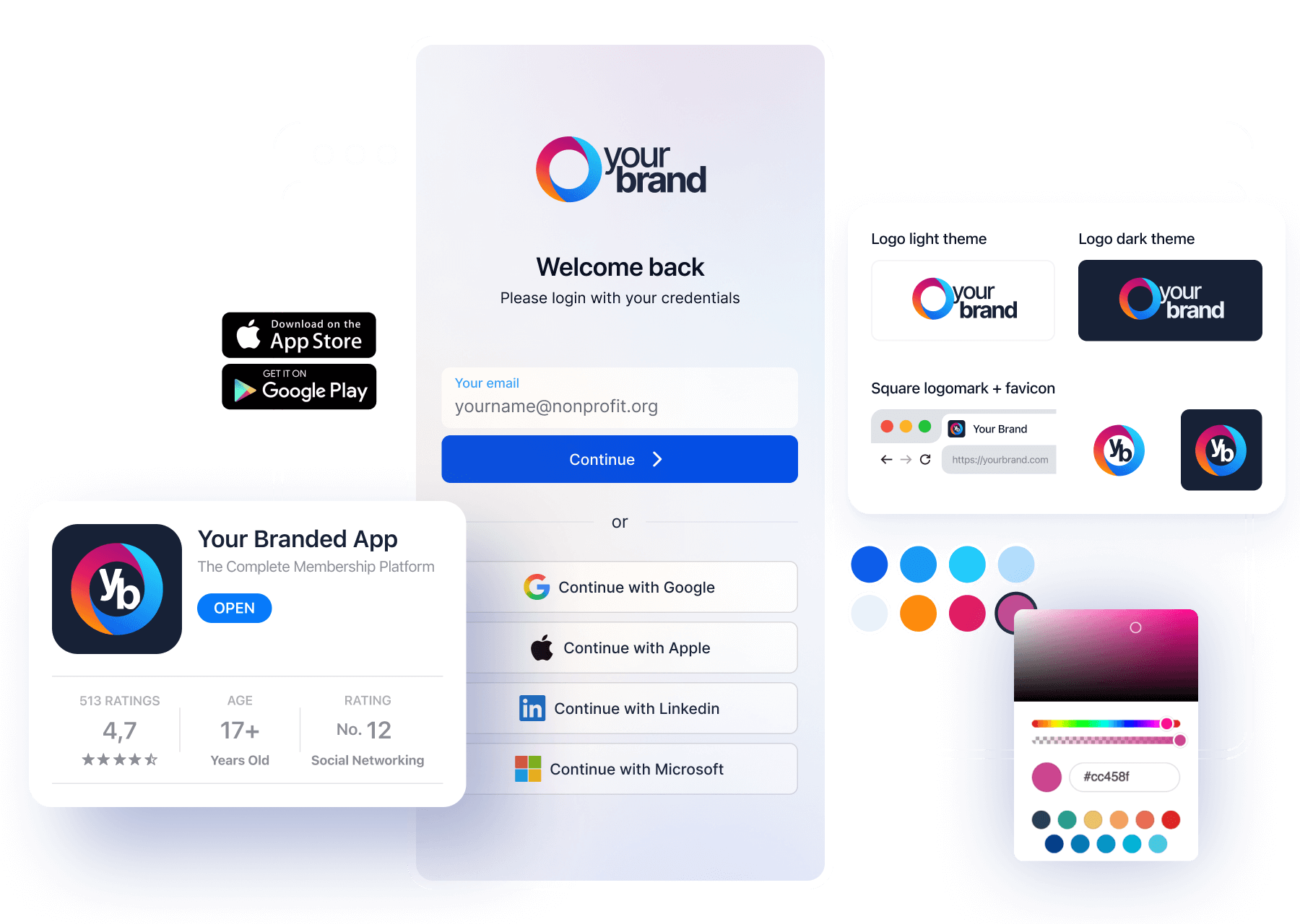
Start from the Professional template, made for professional bodies and chambers: compact typography, sharp corners and a sticky header, with every page and section editable.
The events section pulls your upcoming public events, and the files section lists documents shared from Drive. Revoke a share in Drive and the download leaves the site.
Add the company directory as a section, so the business directory sits inside your own pages rather than on a separate tool.
Enter your domain under Settings, add the DNS record Orgo shows you, and publish. Published pages are served as static files from a CDN.
Networking evenings and the general assembly
Chamber events sell to members and to the businesses you'd like to become members.

Offer a Members only ticket beside a Members and external one. Visitors see both, and a non-member is prompted to log in or register for the member price.
With invoicing on, the checkout offers I want company invoice. The buyer adds company details, then pays by card or by bank transfer, and tickets are confirmed once the money arrives.
Every confirmed registration carries a QR code, scanned at the entrance from a phone or the Orgo mobile app.
Turn on the attendee list and 1:1 networking, and attendees find each other, send connection requests and book 15-minute meetings from their phone.

Run the company vote from the member app during the assembly. A company vote can't be bound to an event's attendee list, because its voters come from the companies, not from registrations.
Statutes, resolutions and signed documents
The statutes, assembly minutes and board resolutions a chamber keeps belong in one place, with the right people able to open them.
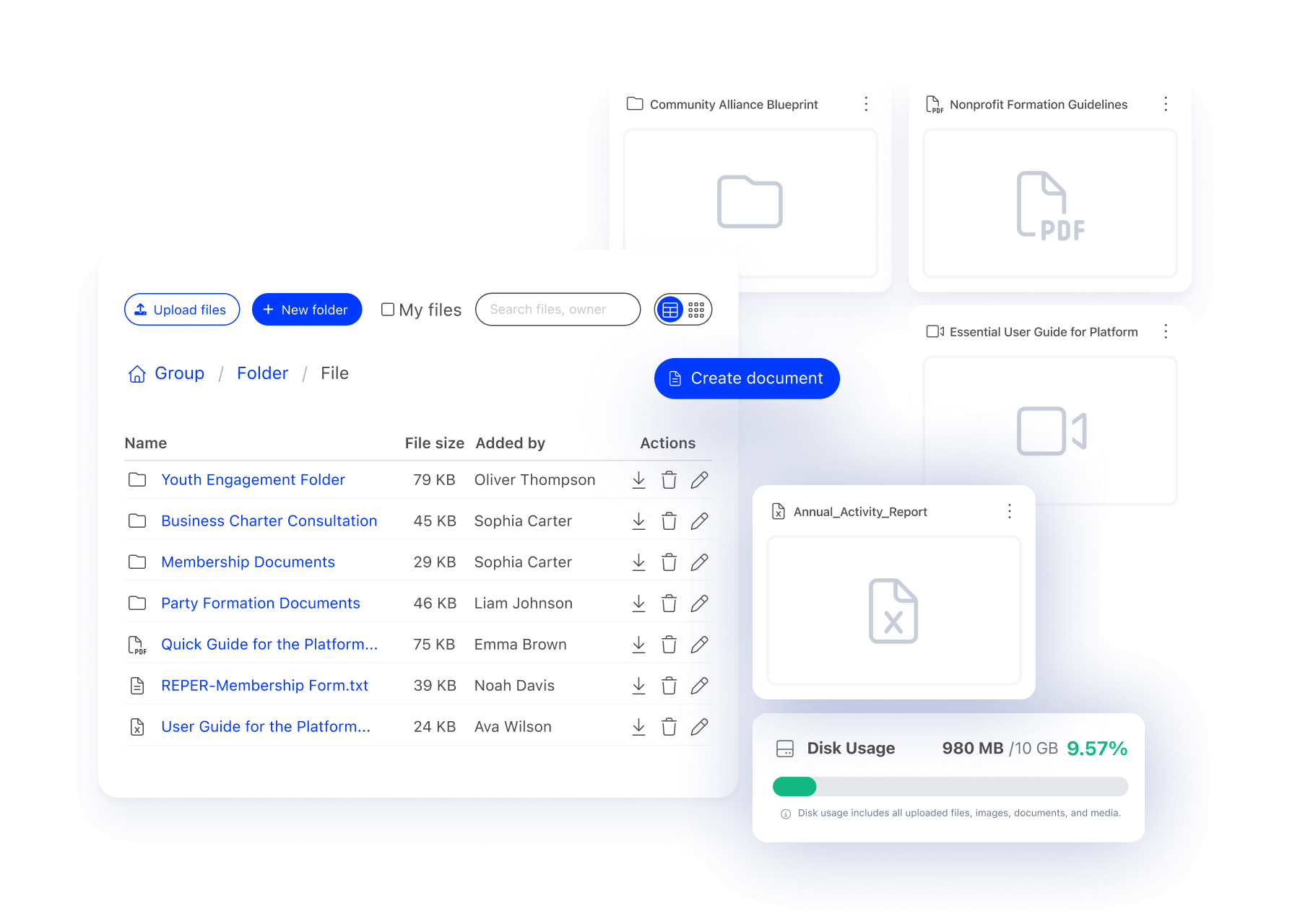
An organisation drive for every member, a drive per group for the board or a committee, and personal drives if you want them. Files up to about 5 GB each.
Write minutes and resolutions in Orgo's own editor. Saving is automatic, and each document has its own link.
Send a document built from a template for signature on screen or by uploaded scan. Orgo stores a frozen copy of the text, the signing date, a sequential document number and a generated PDF.
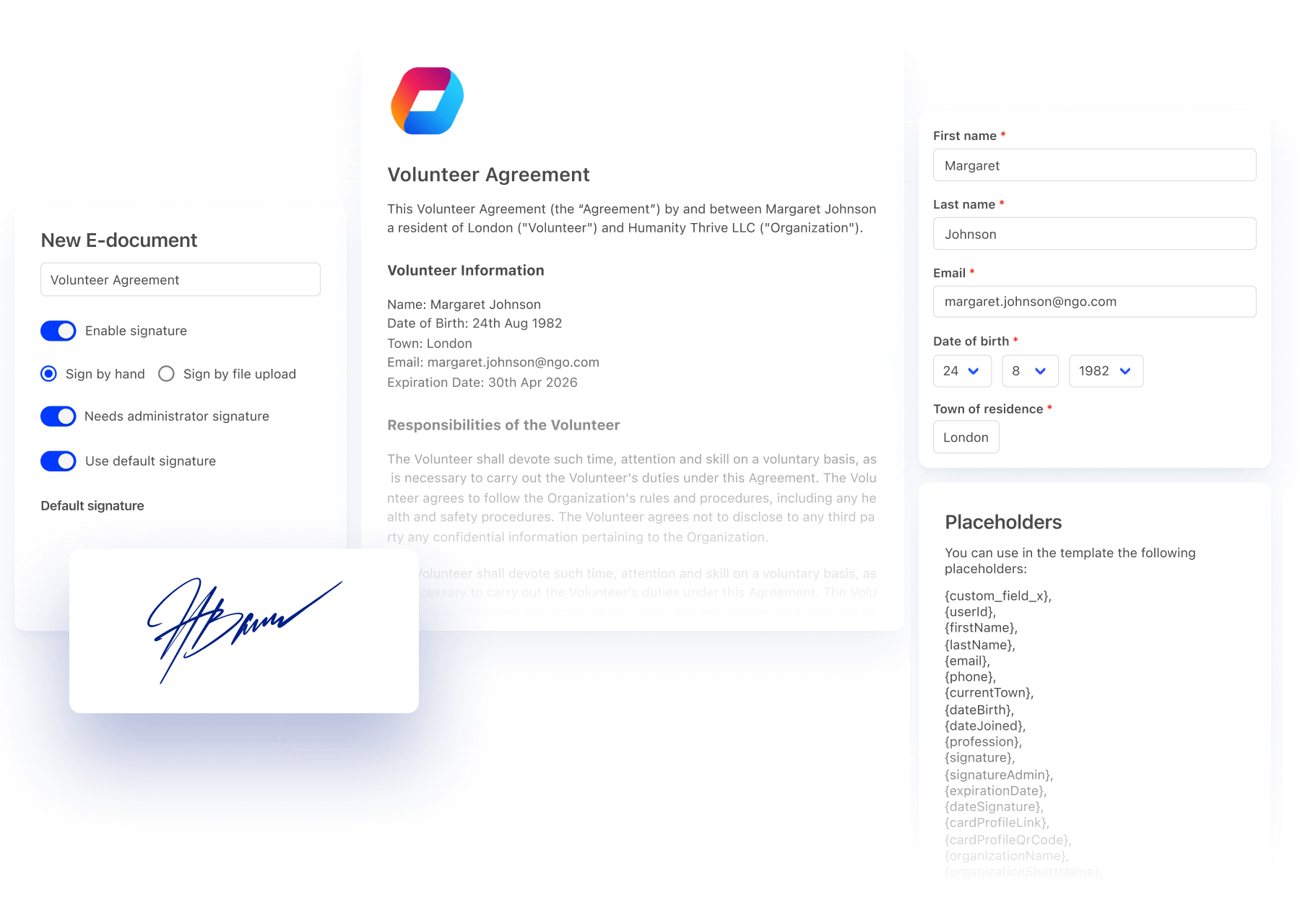
A signature in Orgo is an image, not a qualified electronic signature with a certificate. It suits membership forms and internal agreements; documents that need a qualified signature need a dedicated provider.
Communications and board reporting
Tell members what's on, then show the board how the membership is doing without building a spreadsheet first.

Email campaigns go to members, a group or your contacts, with scheduling and open and click reporting.
Members post, comment and react inside the platform, between events.
The Reports builder exports companies, members, payments, attendees and votes, with the filters saved for next time.
Ask Orgo answers questions about your companies and their memberships, such as which ones lapsed this quarter, and exports the result as CSV.
Bring your existing member companies
CSV import for companies and their people
Import member companies with their membership details, then company members linked to their company with their roles, so Primary Contacts and Voting Representatives come across too.
Human-led implementation
An Orgo specialist sets up your fee prices, company fields and directory with you. Not a self-service wizard.
Most organizations go live in 2 to 4 weeks
That includes data migration, platform configuration, and training your team.
Support A team that knows how chambers work
You talk to the people who built Orgo, not an account executive working from a script.

Vasile Darie
CEO

Alex Plosceac
CTO

Radu Vrabie
CCO
Orgo is built and supported by the same team. When you ask how to model a company fee, a general assembly vote or a public directory, you're talking to someone who has configured it before, not a support queue reading from a script.
People-first support
Real people who know the platform, reachable when something comes up.
Included in every migration
Data cleanup, configuration, and training for your team, not just the initial import.
Patience and availability
Support adapts to your team's pace, whether your staff is technical or not.
Built for your kind of chamber
Local chambers of commerce
Shops, firms and manufacturers from one town, joined by a fee and a directory listing.
Regional and county chambers
Hundreds of member companies across a region, filtered by town on the directory map.
Chambers of commerce and industry
Manufacturing and services side by side, with industry as a directory filter.
Bilateral and foreign chambers
Companies trading between two countries, with members on both sides.
Business networks and clubs
Networking-first memberships where events and introductions are the product.
Young entrepreneur chambers
Founders and small firms on a lower-priced company plan with fewer seats.
If your members all come from one industry
A chamber is cross-industry and usually local or regional. If your members all belong to one sector and you set standards or lobby for it, read Orgo for trade associations instead. The company records underneath are the same, and the full detail is on institutional membership.
See your chamber in Orgo
- 1 Pick a 30-minute slot. You talk to the people who built Orgo, not an account executive working from a script.
- 2 We set up your company fee prices, a company vote and a directory filter during the call.
- 3 You keep the sandbox to evaluate with your board, plus a written plan for migrating your member companies.
Chamber of commerce software FAQ
Yes, in Orgo one company fee covers every employee of a member company. A fee price marked Company only is bought by the company, and when it's paid Orgo copies the company's valid-until date onto every staff member with an account. The plan's company slots set how many people can join, and 0 means unlimited. See institutional membership for the full model.
Yes, member companies pay their chamber dues through Stripe or bank transfer. The company can request an invoice for bank transfer, which is emailed with a reference to quote on the payment. It can also pay by card through Stripe, and your staff can mark a payment received outside the platform as paid.
Orgo gives each member company one vote through the Company vote audience. The voters are the Voting Representatives of active companies whose fee is paid through the vote's start date, and Orgo fixes that list when the vote starts. Ballots are anonymous by default, and each voter gets an integrity code. More on electronic voting.
Until the vote starts, the company vote list follows a change of representative automatically: the Primary Contact or your staff move the Voting Representative role and the new person is on the list. Once the vote has started, whoever represented the company at that moment keeps the vote. Orgo has no formal request-and-approval procedure for delegating a vote.
Yes, Orgo publishes a public business directory of your member companies. Switch on the public company directory, then paste its embed code into any website or add the company directory section in the Website Builder. Visitors can filter by any company field you mark Use as a filter, such as industry, size or services.
Visitors of the public company directory see the company's name, logo, description, website, town and country, its answers to Public company fields, and any featured video, audio and gallery. They never see contact details, billing data, postal address, VAT or registration number, fees or member counts.
Yes, non-members can buy tickets to chamber events in Orgo. Put a Members only ticket beside a Members and external ticket to charge two prices. With invoicing on, buyers can ask for a company invoice and pay by bank transfer. Every confirmed registration has a QR code for check-in. See event management.
Orgo does not calculate dues from company size or turnover automatically. You create one Company only price per band, for example by number of employees, each with its own amount and seat count, and the company is placed on the band that applies to it.
No, Orgo does not enforce a quorum or a majority threshold. It reports votes cast, turnout and the share for each option, and your chamber applies the rule in its statutes and records the outcome.
Orgo imports existing member companies from CSV files: first companies with their membership details, then company members linked to their company with their roles. An Orgo specialist runs the migration with you.
Related features
Institutional membership
Company records, seats and a single fee that covers every employee.
Learn moreElectronic voting
Anonymous ballots with a Company vote audience for general assemblies.
Learn moreWebsite builder
Your chamber's site, with live events, files and the member directory.
Learn moreTrade association management software
For single-sector associations whose members are companies.
Learn more