Association management software
Members, chapters, dues, board elections, and signed documents in one platform.
- Chapters nest to any depth, each with its own administrators, events, files, and fees
- Board elections run on anonymous ballots, with an integrity code for every voter
- A member directory where members find each other by industry and expertise
Orgo is association management software for professional associations, alumni networks, and business associations whose members are people.
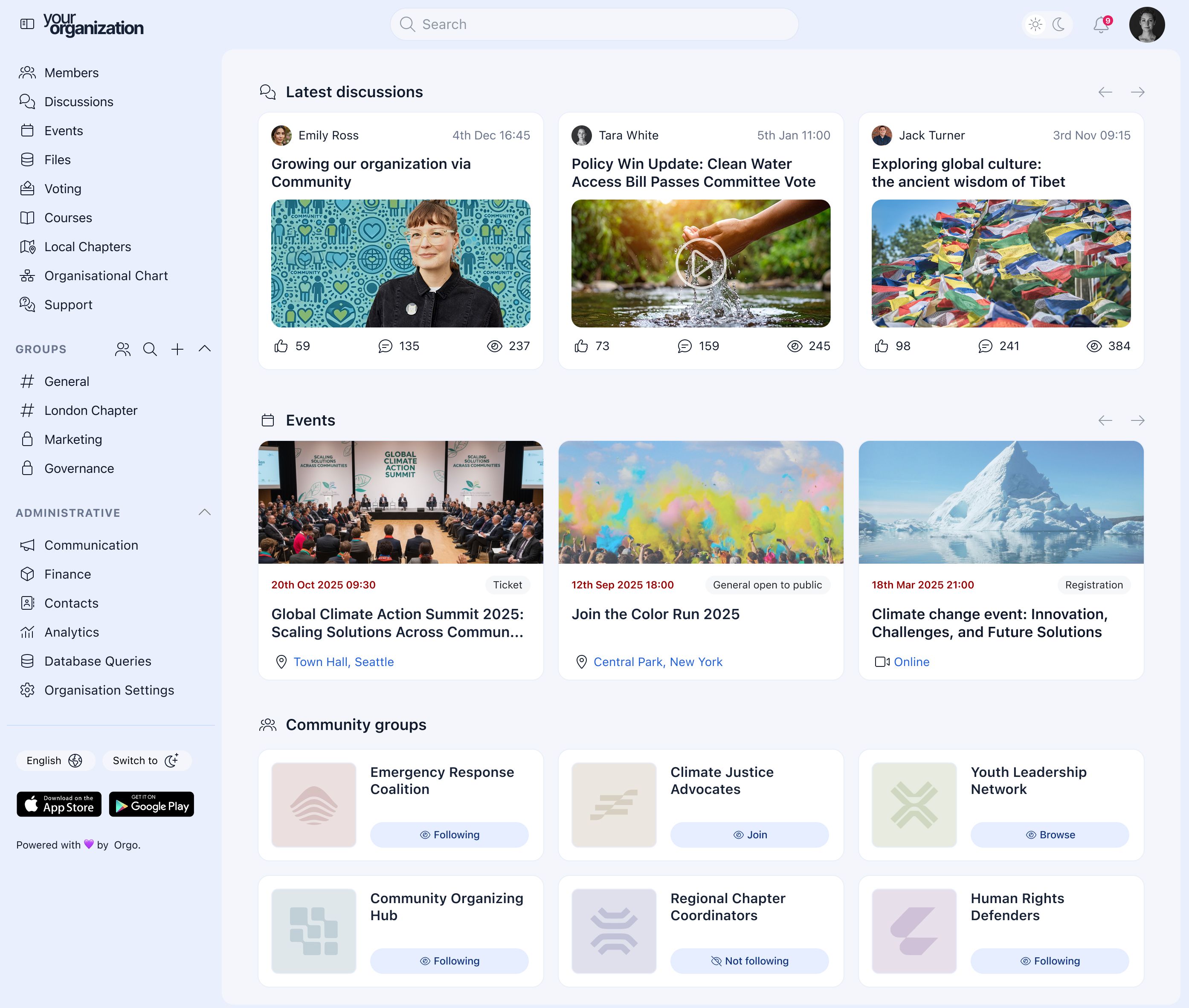
Association management capabilities at a glance
| Member record | One profile per member, with fee, payments, signed documents, events, and badges on it |
|---|---|
| Membership types | One membership type per member, each with its own fee, menus, and forms |
| Applications | Online application with an optional ID upload and an in-browser signature, reviewed and approved by your staff |
| Chapters | Nest to any depth (national, region, district, branch), each with administrators scoped to it |
| Payments | Stripe card checkout, or bank transfer recorded by your team; a chapter can collect through its own Stripe account |
| Renewal reminders | Seven emails, from about a month before expiry to 30 days after, then nothing more |
| Board elections | Multi-question ballots, anonymous by default, with an integrity code per ballot; no built-in quorum threshold |
| Signed documents | Templates filled with member data, signed on screen, and stored as a PDF on the member's profile |
| Professional directory | Headline, industry, job title (about 490 titles), and expertise (about 157 areas), plus connection requests |
| Courses | Lessons and quizzes with a passing grade and a badge on completion; no certificate is generated |
| Languages | Interface in 14 languages, and every label in it can be renamed |
Trusted by leading organizations












Everything you need to run an association
Members and membership types
Every member has one record, and every kind of member has its own rules.
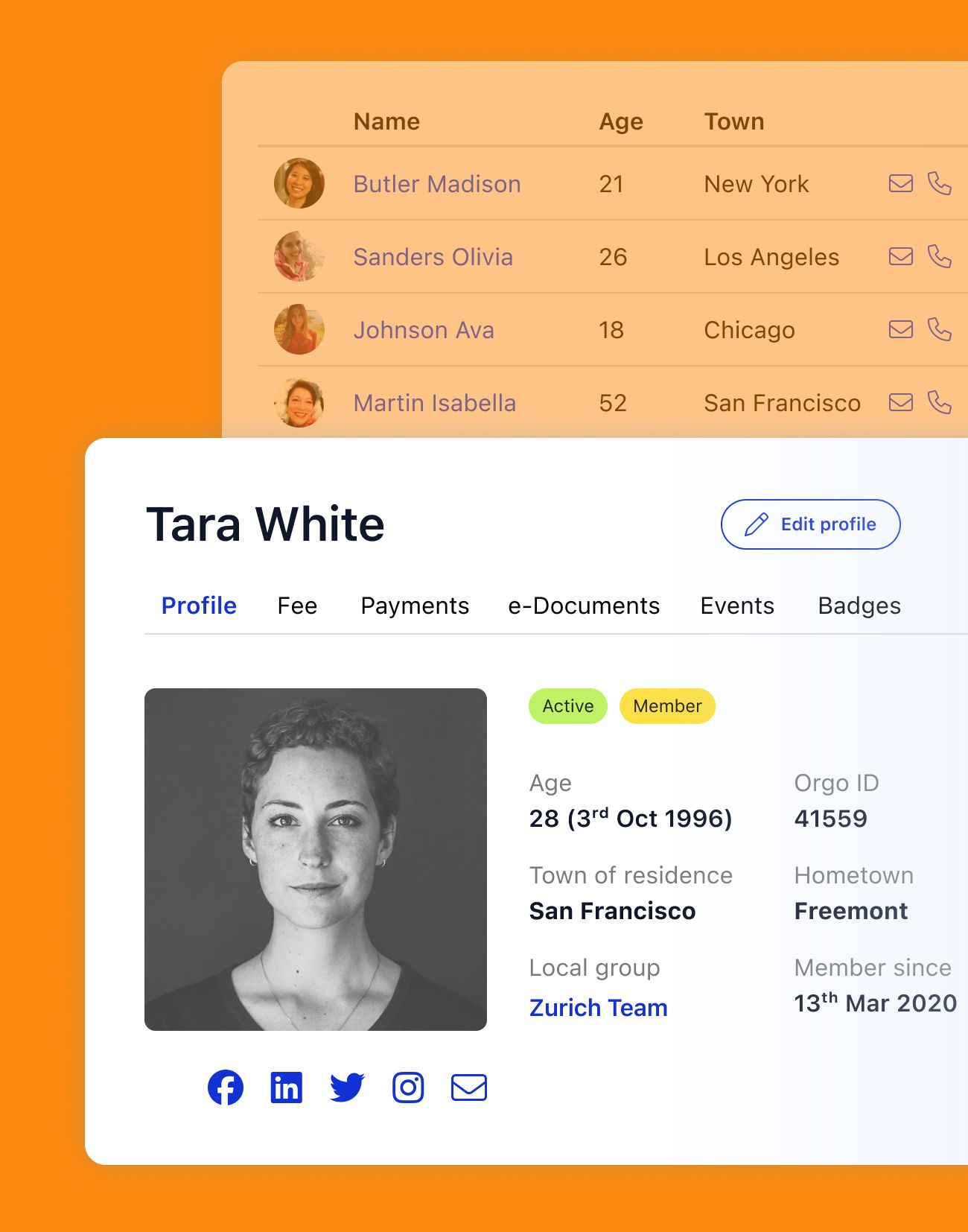
Profile, fee status, payments, signed documents, events attended, and badges all sit on the same member record. Nobody has to cross-check three spreadsheets to answer a question about one person.
Full, student, retired, honorary: each membership type carries its own fee, and can show its members different menus and different forms.
If your association vets new members, applicants fill in your form, can upload an identity document, and sign the application in the browser. Your staff move it through a review chain and approve or reject it, with a record of who decided.
Add custom profile fields for a licence number, graduation year, or specialism, as text, dropdowns, checkboxes, dates, or file uploads.
You set the organization's privacy defaults, and each member then decides which of their details other members can see.
Chapters and regional sections
Most associations are a national body with local life. Orgo models the whole tree, not one flat list.
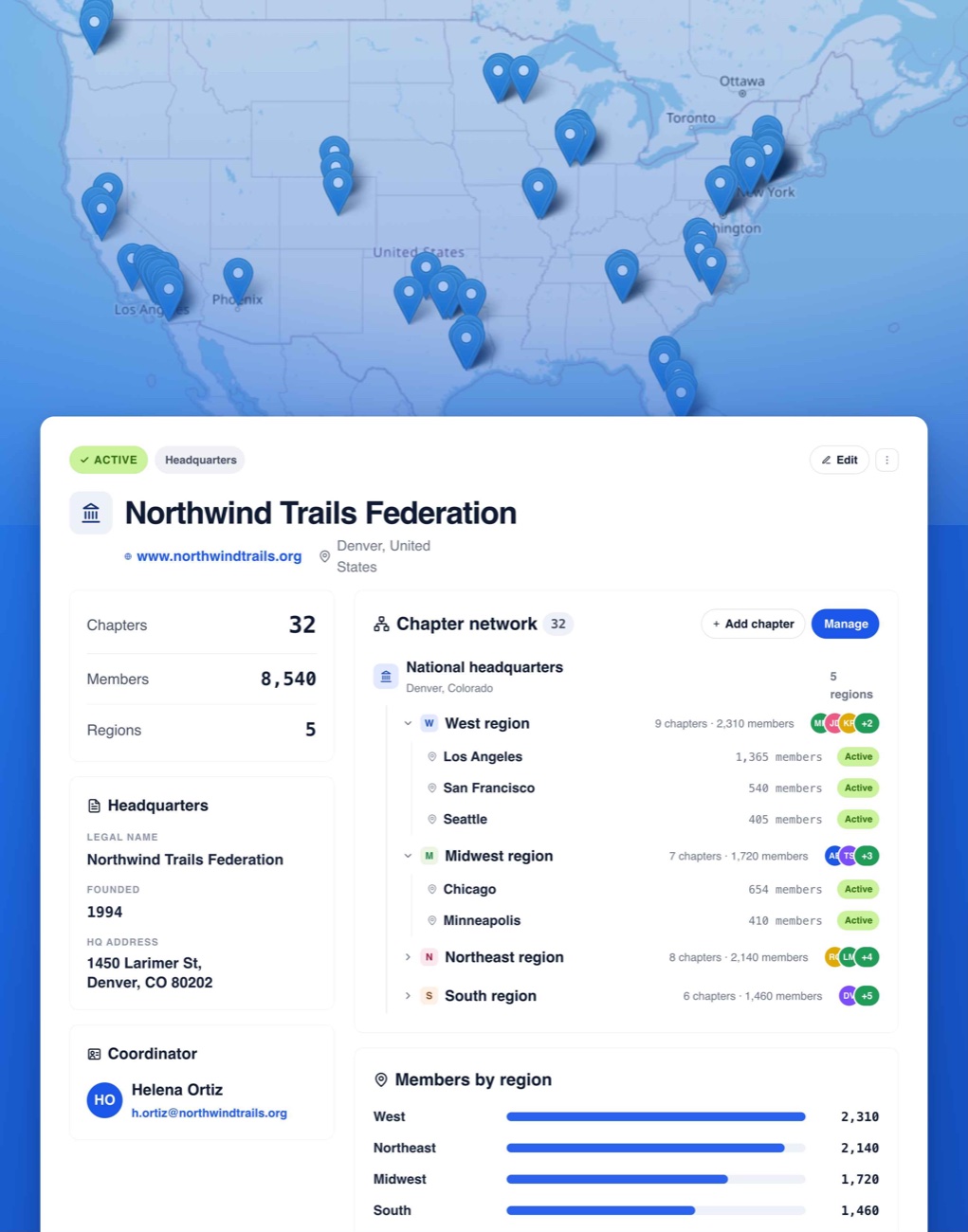
A national office can hold regions, a region can hold districts, and a district can hold branches. There is no limit on how many layers you use.
Give a chapter secretary or treasurer rights over their chapter only. They manage its members, events, and files without seeing the rest of the association.
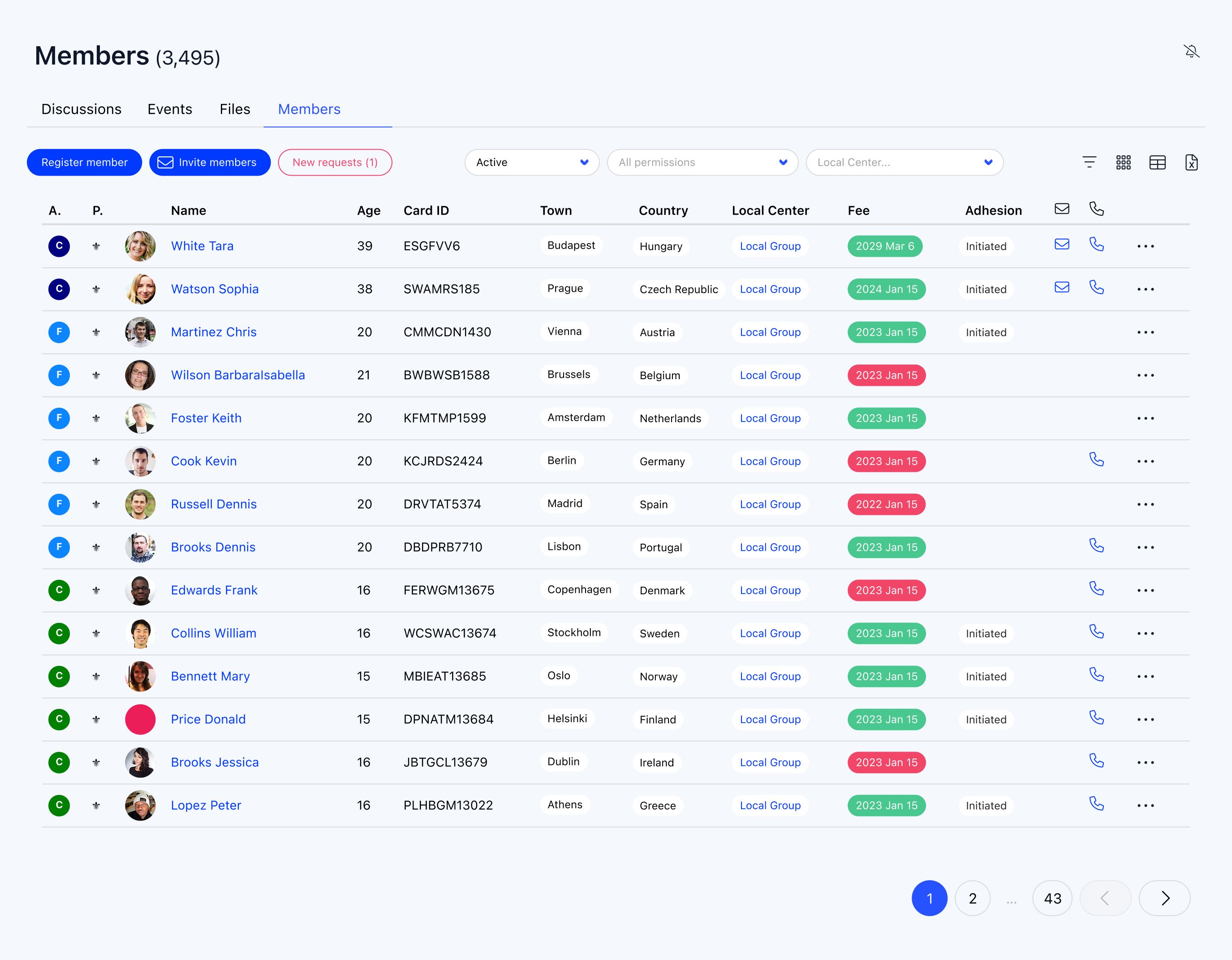
Every chapter gets its own members, discussions, events, files, and fees, while national leadership keeps full visibility across all of them.
A chapter can collect online payments through its own Stripe account, so local dues and event tickets land in the chapter's bank account.
When a member moves city, a transfer request goes to the receiving chapter with a written reason. That chapter approves or denies it, and Orgo keeps who asked, who decided, and why.
Call them chapters, sections, branches, or regions. Every label in the interface can be renamed, in every language you use.
Board governance
Elections, motions, and the documents a board signs, on the same platform as the membership roll.
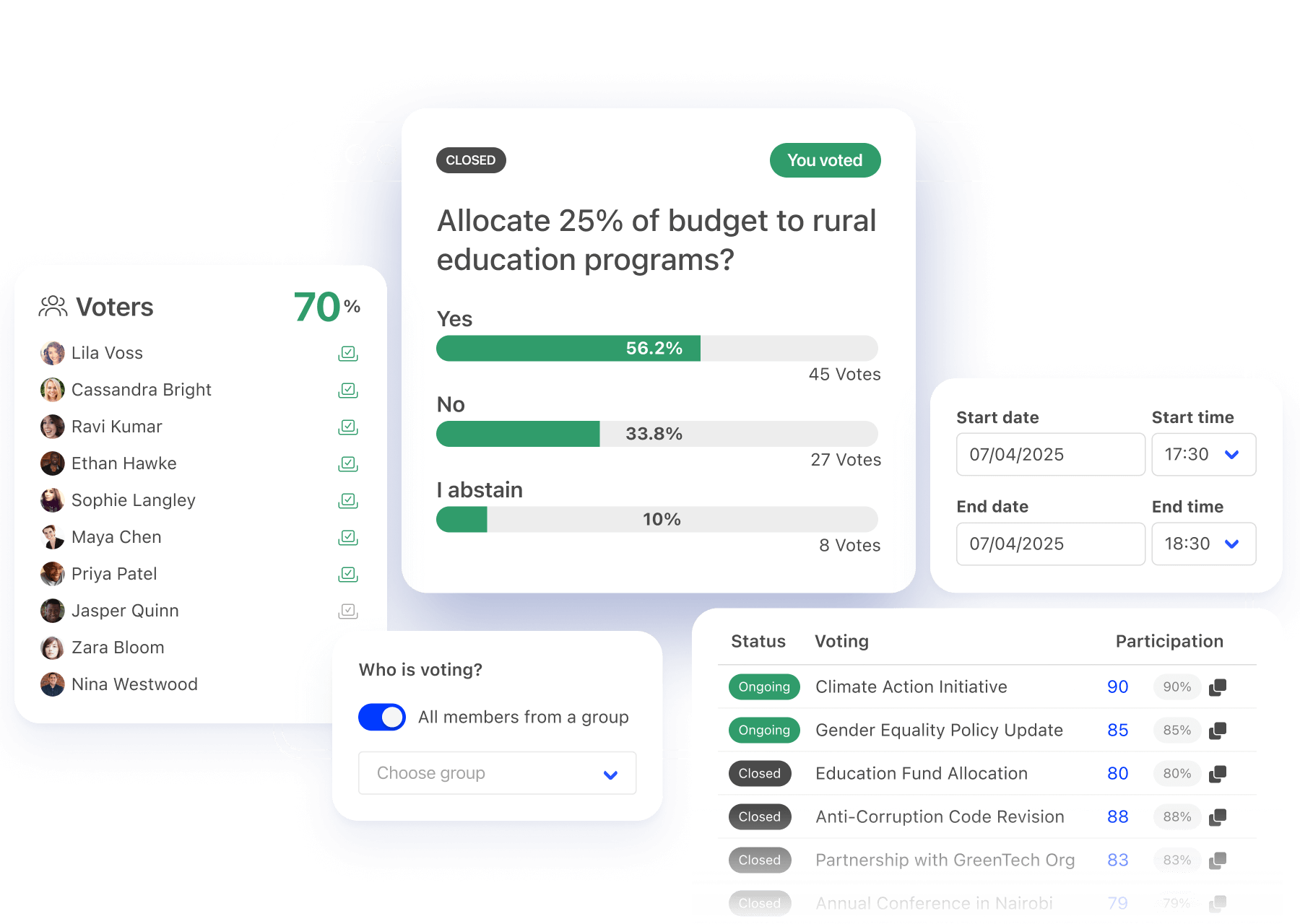
Add one question per board seat and members answer every question in one submission. A partial ballot is rejected, so no seat is left unvoted by accident.
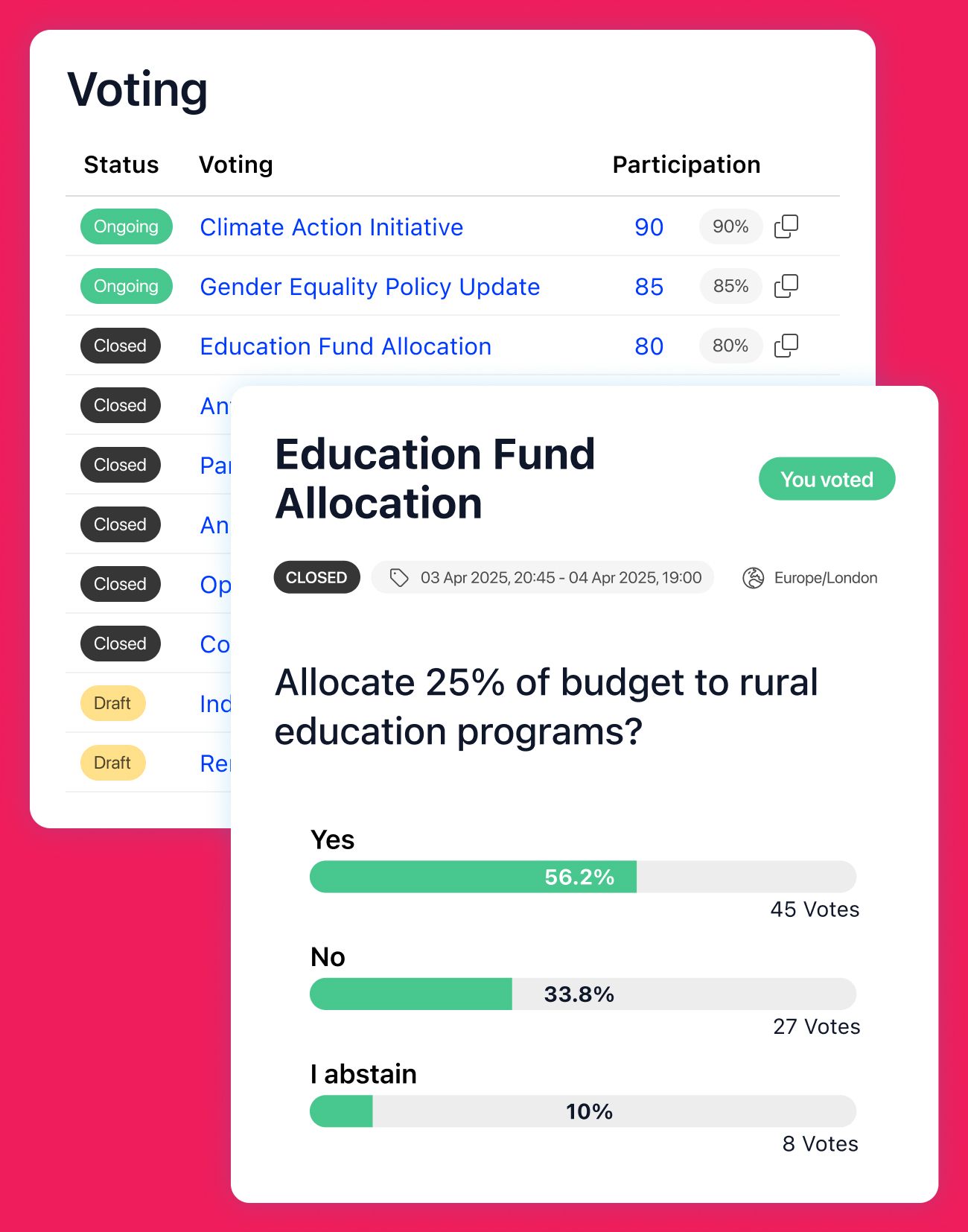
Ballots are anonymous by default: administrators see who voted, never what they chose. Each voter receives an integrity code that later confirms no ballot was altered, deleted, or inserted.
Open a vote to all members, to one chapter, to a named list of voters, or to the attendees of your general assembly. Only those people can vote.
Show results fullscreen with your logo on the projector at the annual general meeting, and export them as CSV for the minutes.
President, treasurer, and secretary are roles with a start and an end date. The organizational chart draws itself from whoever holds each role today.
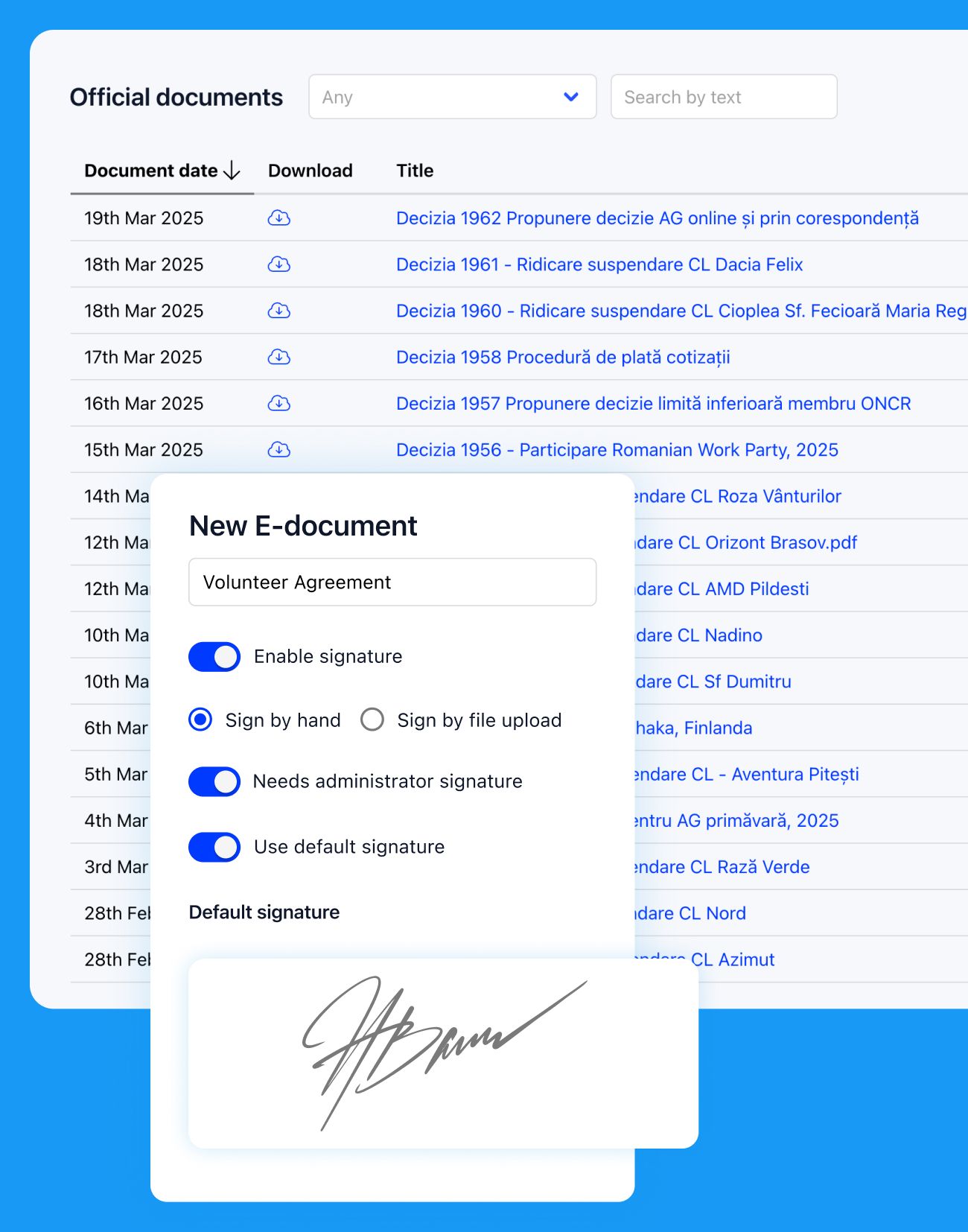
Write a code of conduct or a conflict-of-interest declaration once as a template. Orgo fills in each member's details, they sign on screen, an administrator can countersign, and the signed PDF stays on their profile.
Member directory and professional network
For many members, finding the right colleague is the reason to belong. The directory makes that part of the membership.
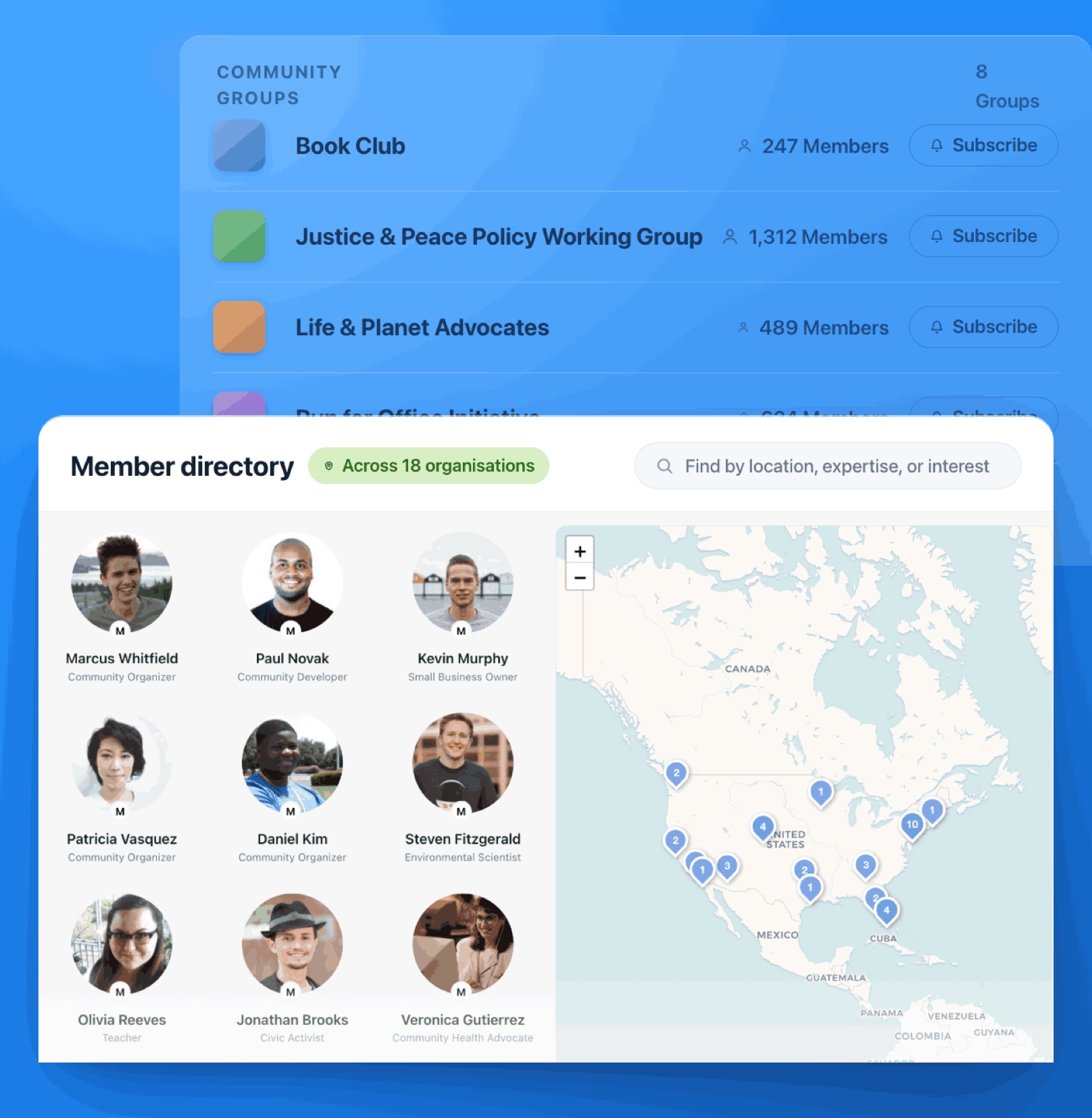
Members add a headline, an industry, and optionally a job title from about 490 and an area of expertise from about 157, plus their current employer.
Members filter the directory by industry, each listed with its member count, or search by profession headline.
A member who finds someone useful sends a connection request inside Orgo, without leaving for another network.
Turn one of your custom fields, such as specialism or graduation year, into an interest filter on the directory.
Continuing education
Professional associations train their members. Orgo holds the courses and the record of who completed them.
Build a course from sections, lessons, and quizzes. Lessons carry text, video or audio, and attachments such as slides and PDFs.
Set a passing grade, 80 percent by default, and later lessons stay locked until the member reaches it. Quizzes are scored automatically.
Offer a course to every member, to certain membership types, or to one chapter.
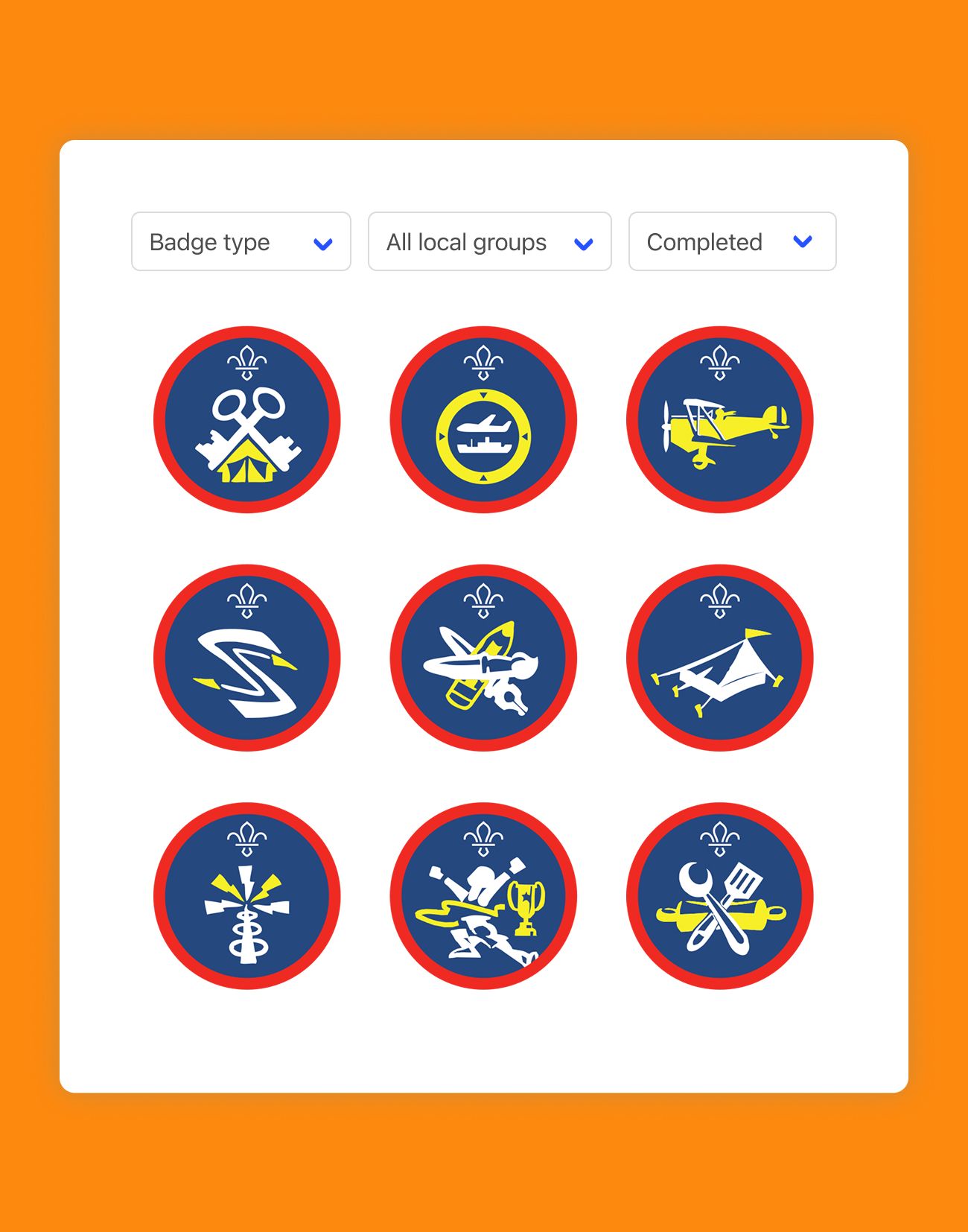
Finishing a course can award a badge to the member's profile automatically, so completed training is visible on the record.
Export every enrolment with its progress and completed date, and every quiz attempt with its score, to keep your CPD records. Orgo does not generate certificates or calculate credits.
Dues and renewals
Members join, pay, and renew online. Your team only steps in when something needs a person.
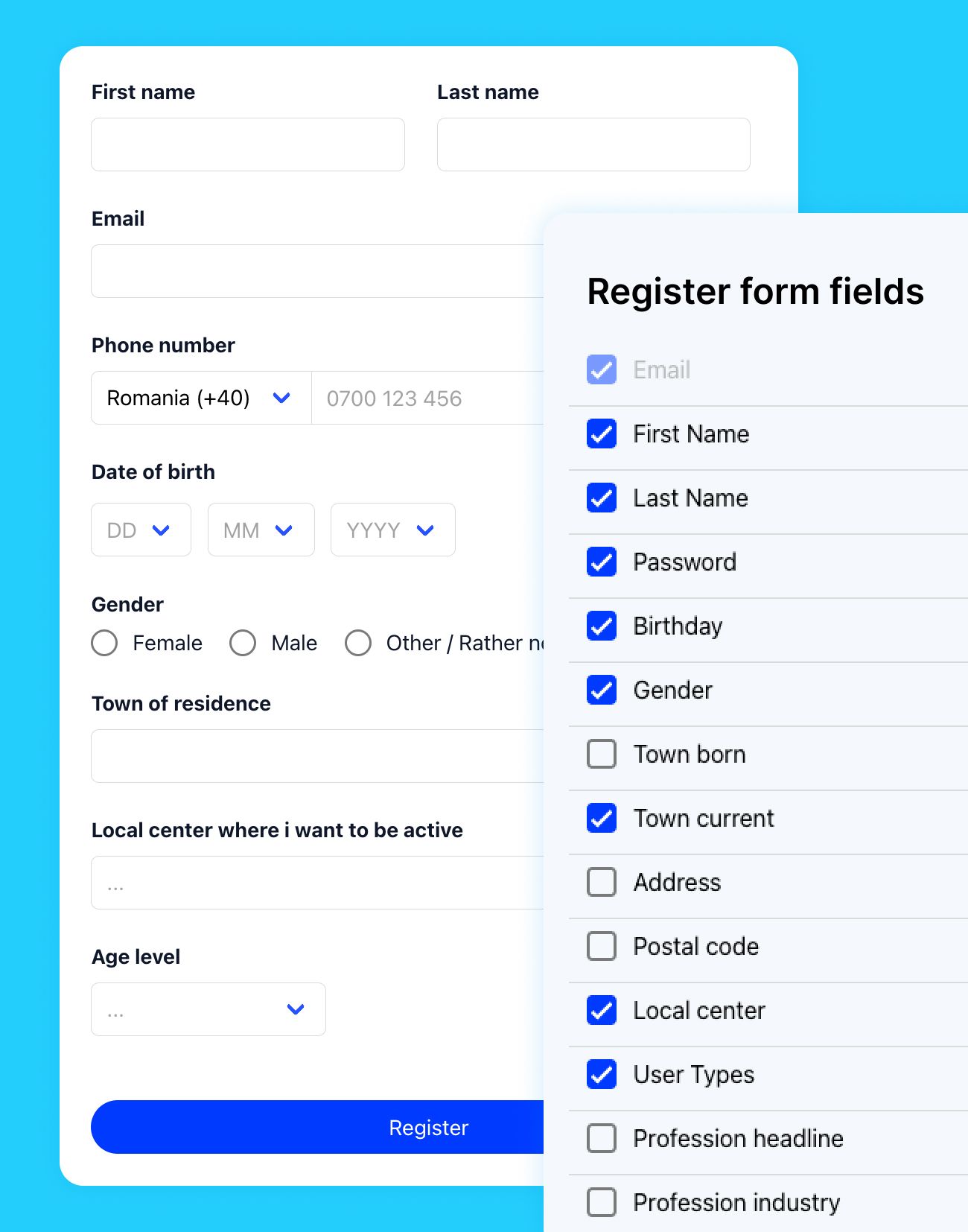
Choose the fields on your registration form, including the chapter a new member wants to join and their membership type.
Members pay by card through Stripe, or by bank transfer that your team records against the invoice.
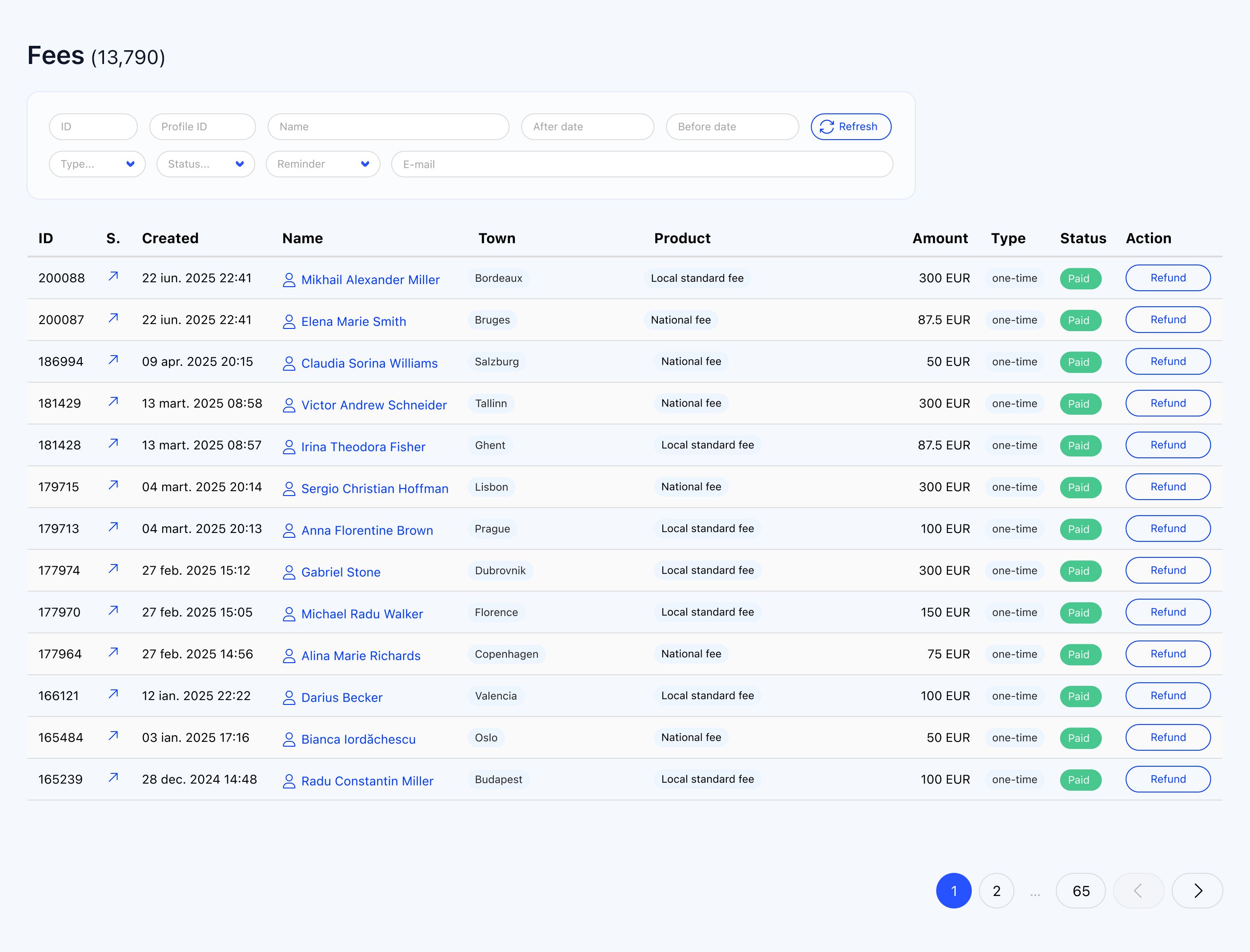
Reminders go out about a month before expiry, 7 days before, 1 day before, on the expiry date, then 7, 14, and 30 days after. After that, Orgo stops writing.
Turn on Fee Payment Mandatory and a member whose membership has lapsed is sent to their fee page until they renew.
Events and conferences
From a chapter meeting to the annual conference, registration and the vote run on one platform.

Members register from any device and pay for tickets through Stripe. Free events take a registration only.
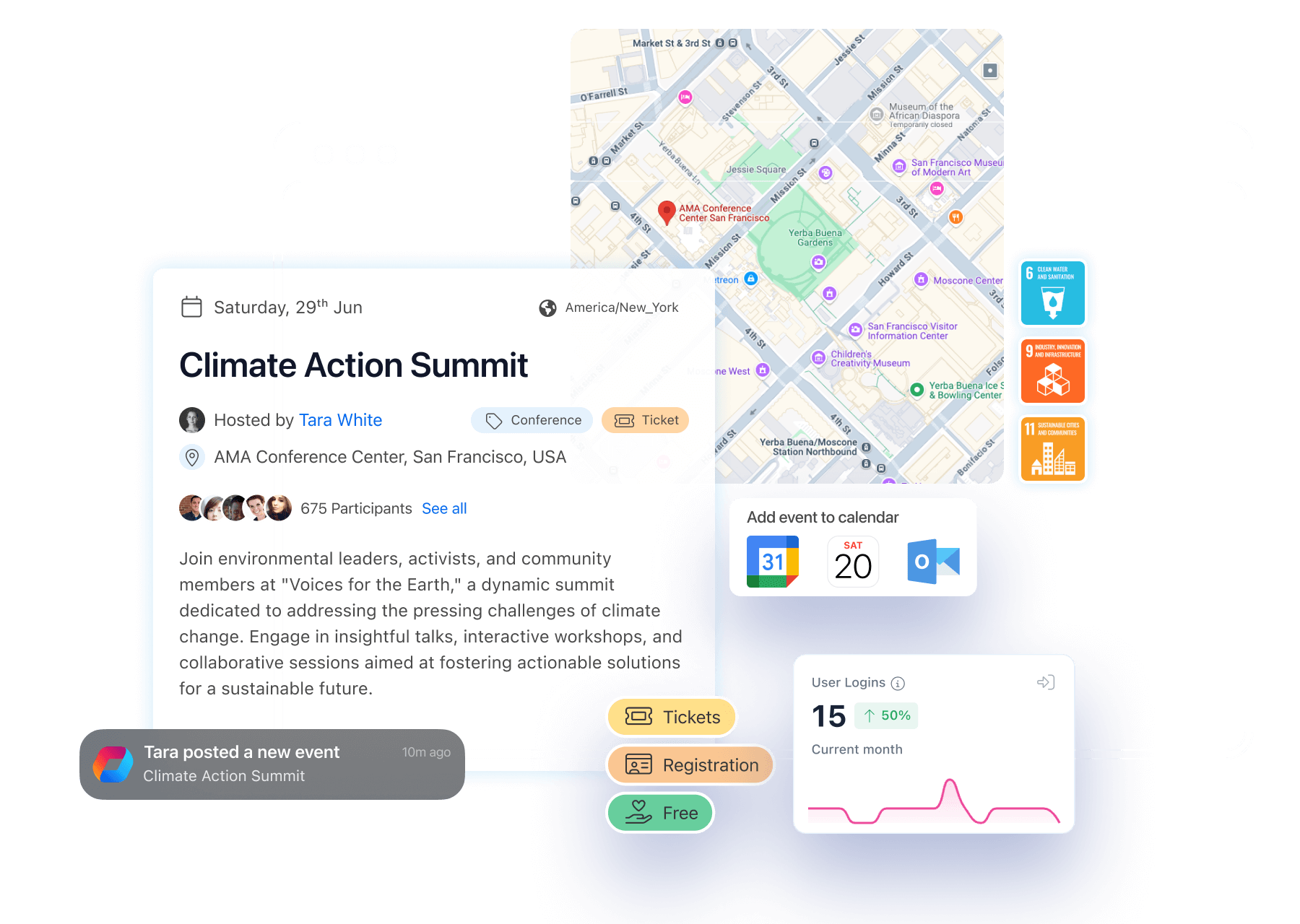
Every confirmed registration carries a QR code. Scan it at the door and the attendee is marked present in one tap.
Start a vote from the event and only its registered attendees can cast a ballot, from their phone in the event app.
Each chapter decides who can create events in it, and its events appear alongside the national calendar.
Communications
Write to the members a message concerns, and give them a place to talk between events.
Send to all members, to one chapter, to a group, to a saved list, or to an event's attendees. Each campaign reports opens, clicks, and bounces.
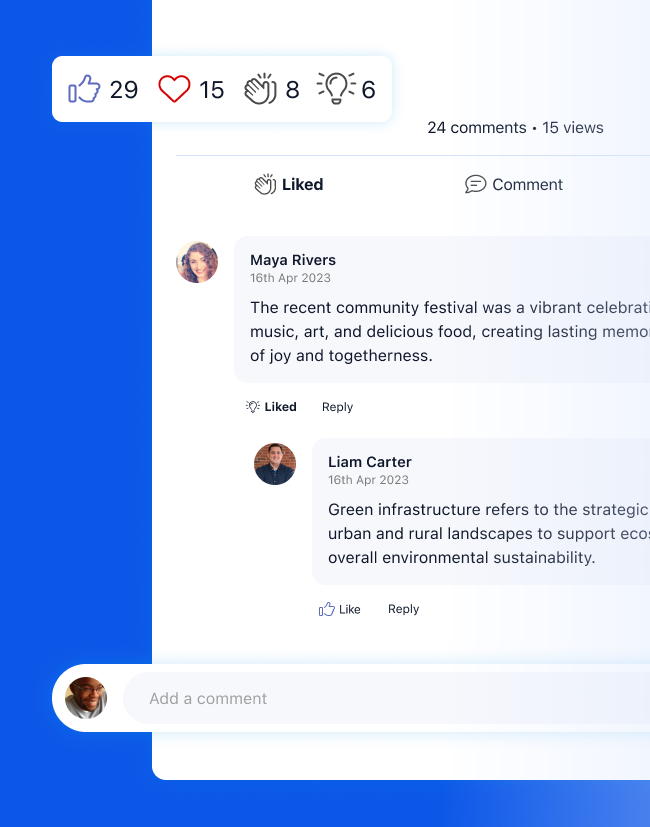
Members post, react, and reply in threads, in the whole association or inside their chapter or committee.
A role group fills itself from criteria such as every chapter president, and updates as people take on or leave the role.
Reporting for the board
The numbers a board asks for, without someone building a spreadsheet the night before.
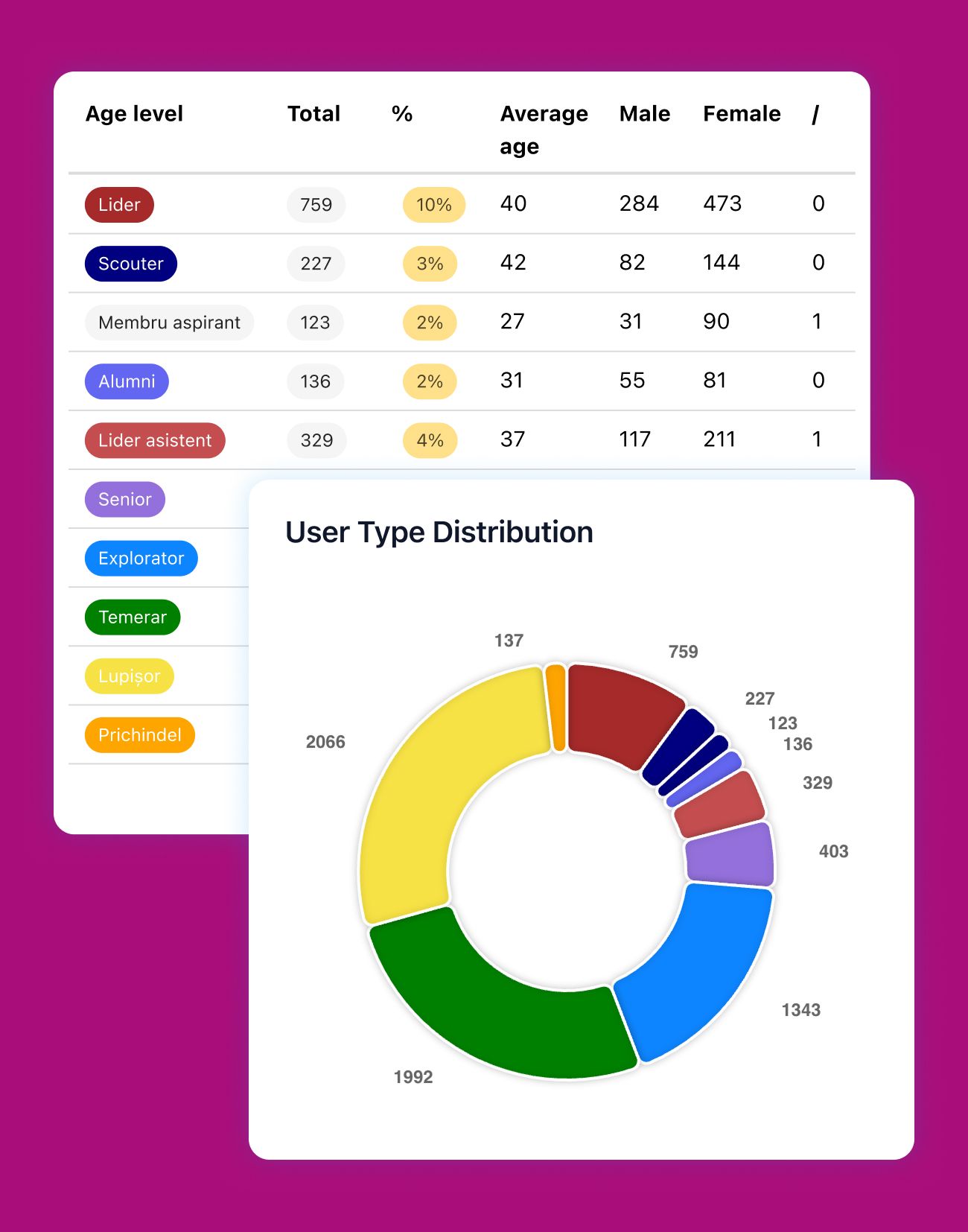
Membership, geography, activity, and money each have a dashboard ready from day one.
Ask Orgo answers a question like "active members per chapter" with a table or a chart.
Save a report once and download the same extract again whenever the board meets.
Data protection
Member data needs proper protection, and access should follow responsibility.
Member data is hosted on AWS in the EU, and card payments are handled by Stripe.
Every permission pairs an area, such as members or money, with a scope, such as one chapter or the whole association. A chapter treasurer sees their chapter's payments and nothing else.
“As someone who appreciates what technology can do but is easily overwhelmed by learning new systems, I was delightfully surprised to discover Orgo. Their streamlined menus, uncluttered visual layout, and simple intuitive navigation make the user experience joyful.”
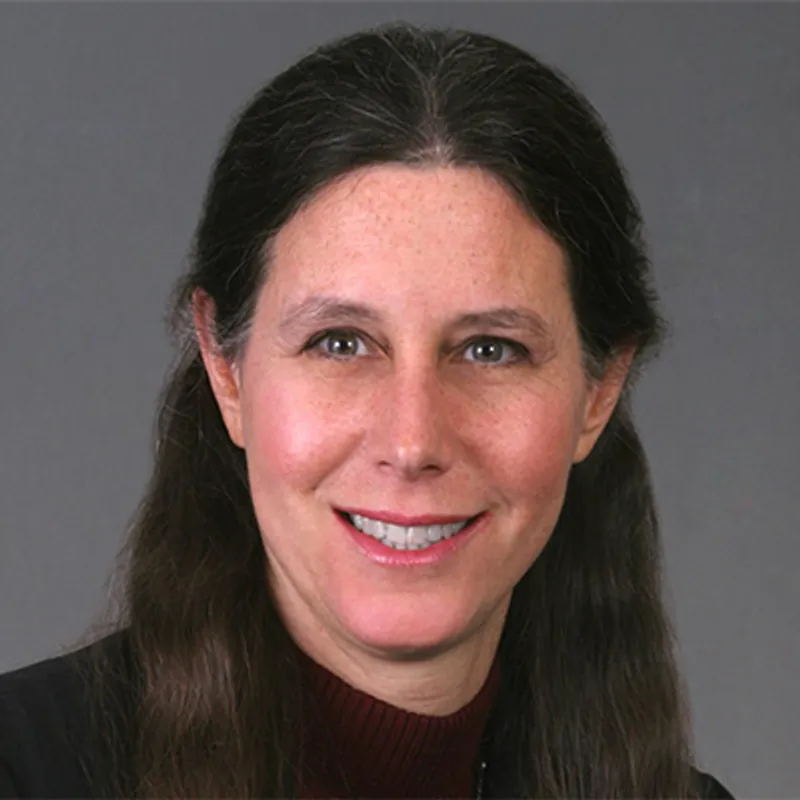
Jennifer Grau
VP of Membership, International Listening Association
Bring your member list with you
Spreadsheet import
Import members from a spreadsheet, then attach their payment history, roles, and badges to the right records.
Human-led implementation
An Orgo specialist sets up your membership types, chapters, and fees with you. Not a self-service wizard.
Live in 2 to 4 weeks
Most associations go live in 2 to 4 weeks, including data migration, configuration, and training your team.
Support A team that knows your world
When you need help, you talk to people who have run membership organizations themselves.

Orgo was built by people who have run membership organizations. Our founder spent 20 years as a member and VP of a national association before building Orgo. Our team understands multi-chapter structures, volunteer coordination, board governance, and the member lifecycle from the inside.
That changes how we support you. We do not just answer tickets. We help you think the problem through.
Fast, human responses
Real people who know the platform and your association's setup.
Full implementation support
Data migration, platform setup, and team training are included.
Your feedback shapes the product
Many features in Orgo today came directly from customer requests. We listen and we ship.
Patience and availability
Our team adapts to your pace. Whether you are technical or not, support is there when you need it.
“The biggest advantage of the platform is the team behind it. I needed help at various times, and each time I received quick responses and effective solutions. They are always available, patient, and open to suggestions, which showcases their professionalism.”

Adela Șpaimoc
Human Resources Manager, REPER
Built for your kind of association
This page covers associations whose members are individuals. If yours is a more specific kind, its own page goes deeper.
Professional associations
Licensed and qualified members, chapters by region, continuing education, and elected boards.
Alumni associations
Graduates who want to find each other by industry and city, and a reunion calendar run by chapters.
Trade associations
Members are companies, with staff on seats and one dues payment per company.
Chambers of commerce
Local businesses as members, a public company directory, and events that bring them together.
Federations
Separately run member bodies under one national organization, with dues flowing upward.
Nonprofits
Members, volunteers, and donors managed together, with fundraising beside the membership.
Scout organizations
Youth members, parents, leaders, and badges, organized by unit and group.
Political parties
Branches, member vetting, internal elections, and campaign fundraising.
Music associations
Ensembles, musicians, and concerts, with members' music on their profiles.
See your association in Orgo
- 1 Pick a 30-minute slot. You talk to the people who built Orgo, not an account executive working from a script.
- 2 We set up Orgo with your membership types and chapter structure during the call.
- 3 You keep the sandbox to evaluate with your board, plus a written plan for migrating the data you already have.
Association management software FAQ
Association management software is the system an association runs its membership on: member records, joining and renewals, dues, events, communications, and governance. Orgo puts all of these in one platform. It adds chapters, board elections, signed documents, a member directory, and courses, so an association does not join separate tools together.
Orgo is used by professional associations, alumni networks, and business associations whose members are individuals, from volunteer-run groups to national bodies with chapters. If your members are companies, see trade association management software or chamber of commerce software. If separate member bodies join a national organization, see federation management software.
Yes, Orgo manages chapters and regional sections. Chapters nest to any depth, from a national office down through regions and districts to local branches. Each chapter has its own members, events, discussions, files, and fees, and its own administrators who see only that chapter. Members can request a transfer to another chapter, which the receiving chapter approves or denies. See multi-chapter management.
Board elections run on Orgo's built-in eVoting, with one question per seat on a single ballot. Ballots are anonymous by default, and each voter receives an integrity code that confirms afterwards that no ballot was changed. Orgo reports counts and percentages but has no quorum or majority threshold setting, so your bylaws are applied by the people reading the result.
Orgo tracks course completion but does not calculate CPD credits. It runs self-paced courses with quizzes and a passing grade, and can award a badge on completion. Orgo exports every enrolment with its completed date and every quiz attempt with its score. It does not generate certificates or count CPD hours, so associations that issue certificates do so from those exports. See learning management.
Yes, Orgo's professional network is a member directory searchable by industry and headline. Members record a headline, an industry, a job title, and an area of expertise. They browse each other and send connection requests inside Orgo. Each member decides which of their details other members can see.
Yes, board members sign documents in Orgo's eDocuments module. A template such as a code of conduct is filled with each member's details and signed on screen. An administrator can countersign, and the signed PDF is stored on the member's profile. A signature is a drawn image with a frozen copy of the text, not a qualified electronic signature, and Orgo does not record the signer's IP address. See eDocuments and eSignatures.
Most associations go live in 2 to 4 weeks. That includes importing your members from a spreadsheet, configuring membership types, chapters, and fees, and training your team. An Orgo specialist runs the setup with you.
Yes, Orgo suits small, volunteer-run associations. It is built to be usable by volunteer and staff-light teams, and you switch on only the modules you need. You can see the plans on the pricing page.
Yes, Orgo works for international associations. Its interface ships in 14 languages, each member picks their own, and every label can be renamed in each language you use. Chapters can represent countries as easily as cities.
Related features
Membership management software
Member records, membership types, dues, and renewals.
Learn moreMulti-chapter management
A chapter tree to any depth, with officers scoped to their own chapter.
Learn moreElectronic voting
Anonymous board elections and motions with an integrity code per ballot.
Learn moreeDocuments and eSignatures
Templates filled with member data and signed on screen.
Learn moreLearning management system
Courses and quizzes for continuing education.
Learn moreEvent management software
Registration, ticketing, and check-in for conferences and chapter meetings.
Learn more