

ADMIN_TENANT.
Categories and badges
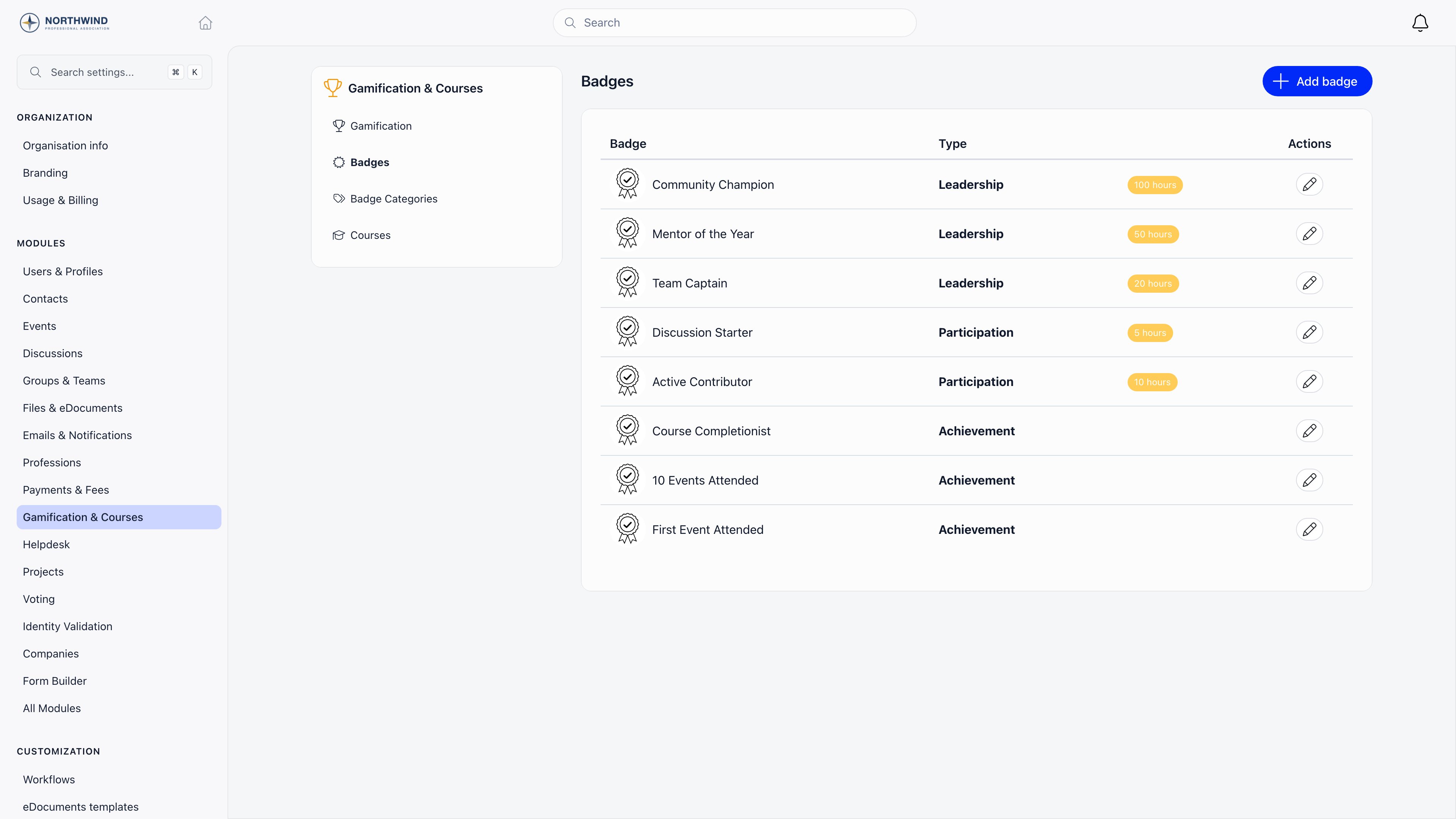
Badges can be grouped into categories, which is optional and controlled by the Enable badge categories switch. A category has only an image and a title. Its job is to keep the award picker usable once you have more badges than fit on a screen. Settings → Modules → Gamification & Courses → Badge Categories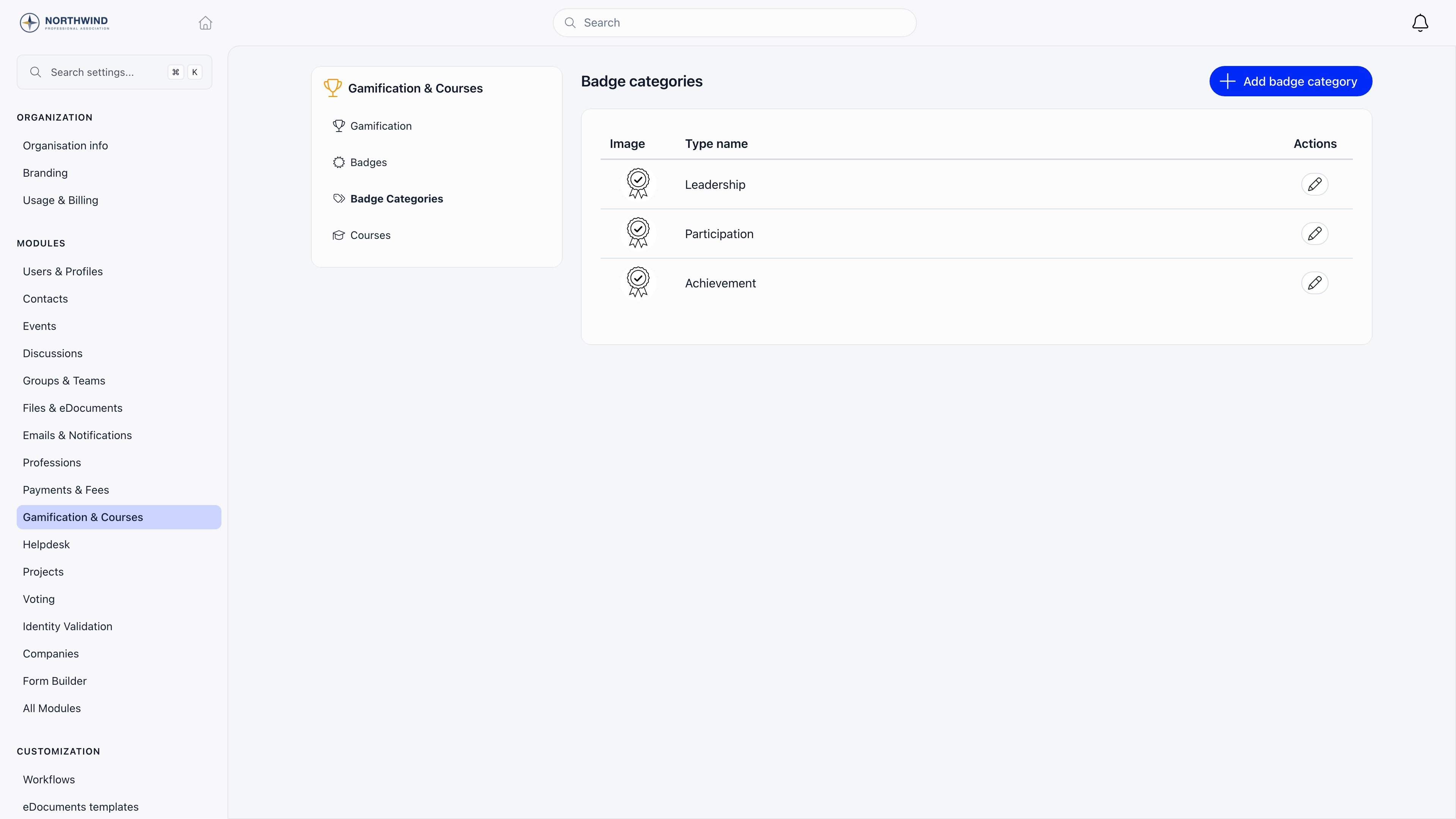
ADMIN_TENANT.
Awarding a badge
By hand
Open the member, go to the Badges tab, and click Add badge. The picker lists categories on the left and their badges on the right, both searchable. Pick one, then fill in:
A save that fails leaves the modal open and reports the error, so an award that does not appear in the table was not quietly dropped.
Pending is for work in progress: the member holds the record, and it is counted and filtered separately from completed awards everywhere it appears.
The Add badge button appears for
HR_TENANT and for HR_LOCAL on the member’s local center. Awarding is checked again when you save: it needs HR_ASSISTANT_LOCAL over that member’s local center, which HR_LOCAL, FINANCIAL_LOCAL and ADMIN_LOCAL all satisfy, or one of the tenant-wide equivalents. Editing or removing an existing award needs the same permission, or that you are the person who gave it. Every award stores who gave it, shown as Offered by on the profile and Given by in the centralizer.
Nobody is notified when a badge is awarded or removed, so announce the ones that matter yourself.
By volunteering hours
With Enable hours tracking on, the Badges tab gains Add volunteering hours, which needsHR_ASSISTANT_LOCAL on the member. Each entry has a period (start and end date), a number of hours, a title, and notes.
Saving or editing an entry re-totals every hour logged for that member and awards, as Completed, each badge whose Hours number is above zero and at or below that total. Deleting an hours entry does not take a badge back, so revoke it by hand if the total no longer holds.
From an event
With both Enable tiers/levels by points and Enable badge per event on, the event form gains a Gamification section containing Award badge on event attendance, visible toEVENT_TENANT. Participants receive the badge when their attendance is set to Attended. If the attendance is deleted or moved away from attending, the badge is removed again.
From a course
With the Gamification module on, a saved course gains Award badge on completion. Students receive it when their enrollment is marked complete, and the course page then shows the badge as earned. Deleting a completed enrollment removes the badge.A member can hold a given badge only once. Every automatic path checks first and skips if the badge is already on the profile, so re-marking attendance or re-running an import will not create duplicates.
Where badges show up
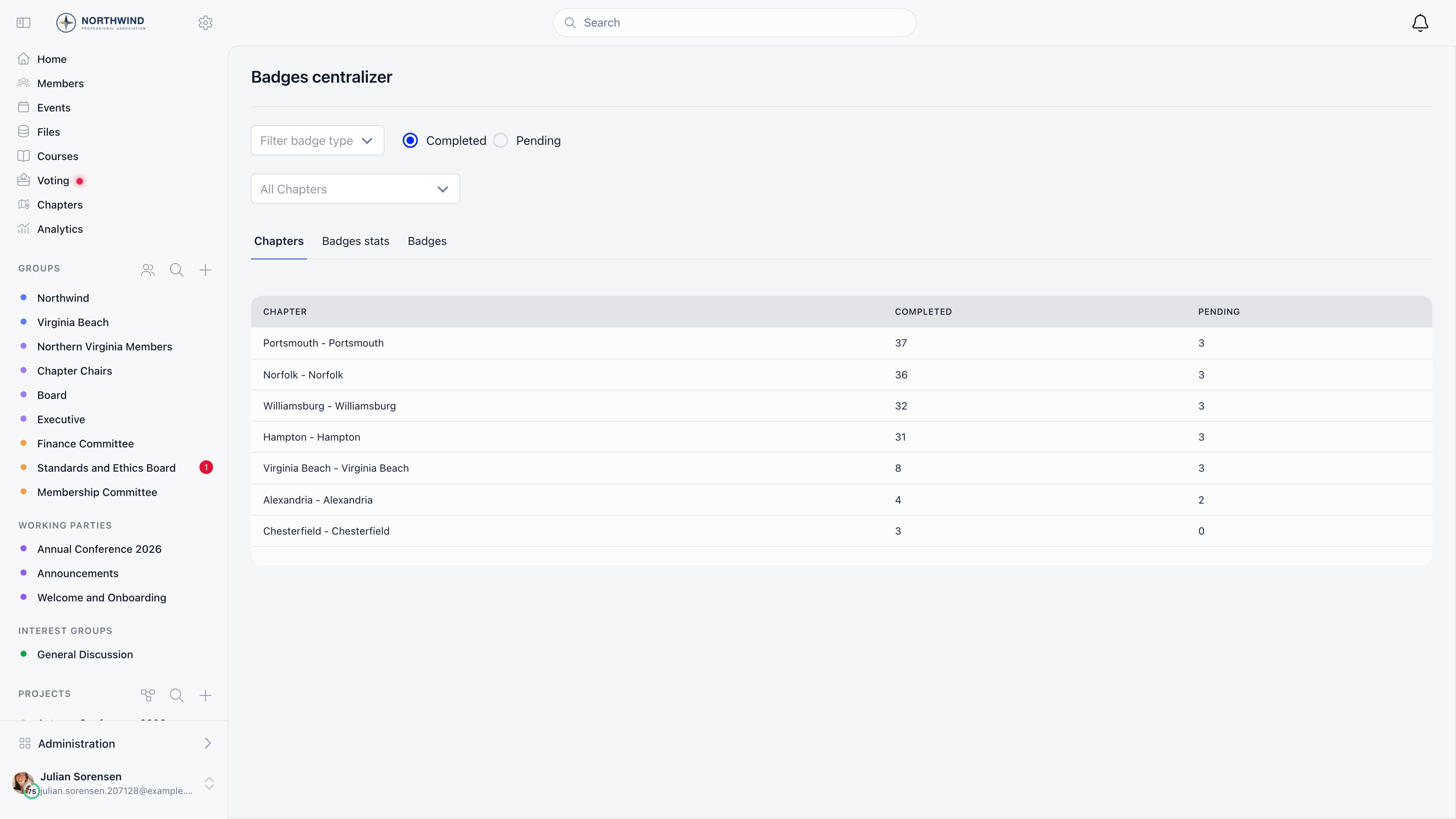
On a member profile, the overview card lists badge artwork and names, and the Badges tab holds the full table: badge, category, status, who offered it, and the date. Volunteering hours get their own table below it when hours tracking is on. Badges in the sidebar (/badge-users) is the tenant-wide view, shown to HR_ASSISTANT_LOCAL and above once the module is on. Filter by category, badge, Completed or Pending, and local center, then read across three tabs.
Someone whose HR permission is local-only sees just the awards for members of their own local center.
Common questions
Can members request a badge or give one to themselves?
Can members request a badge or give one to themselves?
There is no request flow and no self-service button. Badges come from an admin with HR permission, or from one of the automatic paths above.
Can I revoke a badge?
Can I revoke a badge?
Yes. Open the member’s Badges tab and delete the award. Nobody is notified, so explain it directly if the reason matters.
Can I load our existing badge history?
Can I load our existing badge history?
Yes. The import tool has three badge entities: Badge Types, Badges, and Badge Assignments, each with a downloadable example file. Import categories and badges first, then the assignments.
Why is there no Badges tab on the member profile?
Why is there no Badges tab on the member profile?
The Gamification module is off. Turn it on under Settings, Modules, Gamification & Courses.
Why can a colleague see fewer awards than I do in the centralizer?
Why can a colleague see fewer awards than I do in the centralizer?
They hold a local-level HR permission, so the list and the local center filter are limited to their own local center. Tenant-level HR sees everything.
Related
- Gamification - Points, tiers, and the leaderboard
- Courses - Award a badge when a course is completed
- Event attendance - Award a badge to everyone marked as attended
- Members - The profile where badges appear
- Permissions - What HR_LOCAL and HR_ASSISTANT_LOCAL cover