

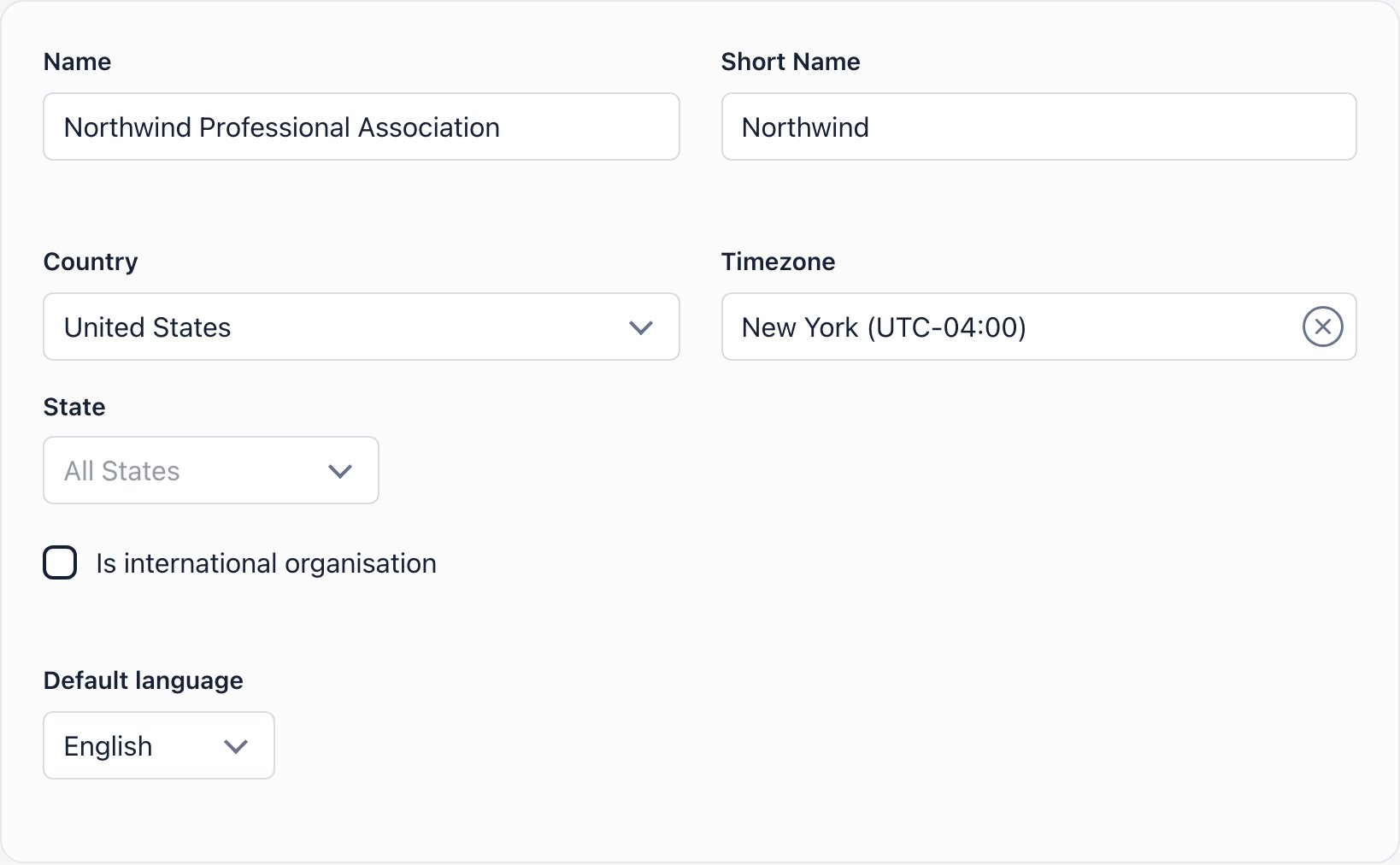
Requires ADMIN_TENANT. Open it from the cog icon in the top bar, or from your avatar menu, Organisation Settings.
Basic details
Picking a Default language switches your own interface immediately, before you save. If you change your mind, pick the old one back and leave without saving.
?lang= parameter in the URL beats both; anything unavailable falls back to English. Server-sent email is narrower: it renders in the organization default only, in English, Romanian, German, Bulgarian, Lithuanian, Spanish, French, Italian, Dutch, Ukrainian or Portuguese, and any other default language falls back to English.
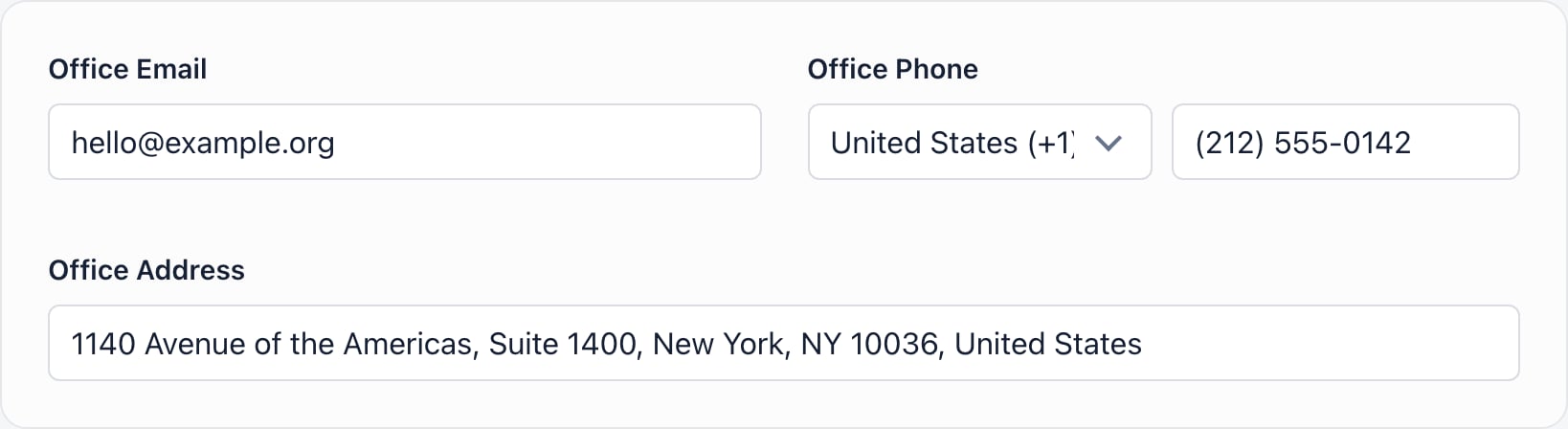
Contact information
Legal links
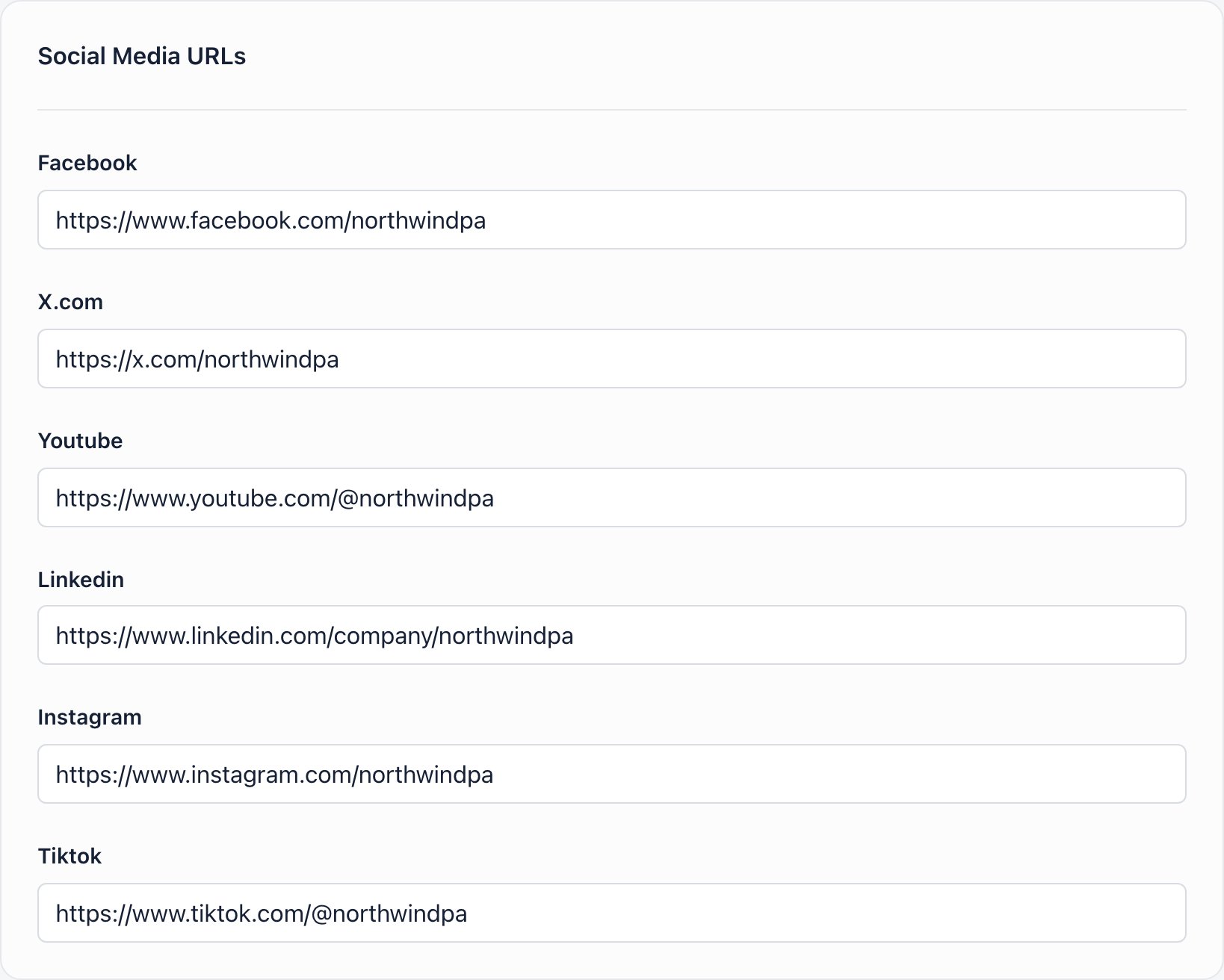
Three URL fields: Privacy/GDPR URL, Terms of service for members, page URL and Internal rules, page URL.Social media URLs
Financial details
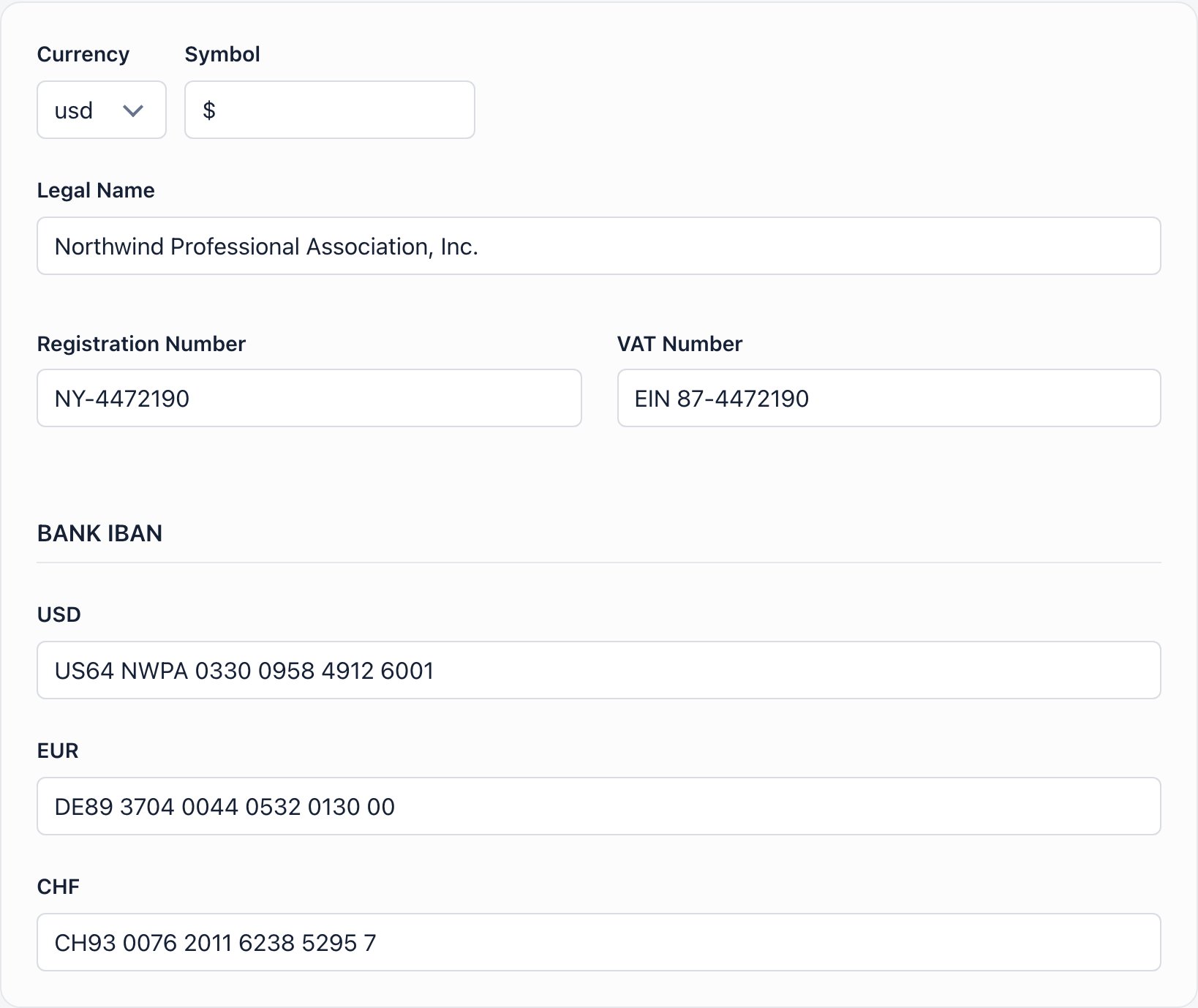
Below it, Orgo renders one field each for USD, EUR and CHF, skipping whichever of the three your own currency has already claimed as the first field. So an organization on USD sees three boxes in total, labelled USD, EUR and CHF, while one on RON sees four. These extra fields are stored for your own record keeping. Nothing in the product prints them.
Saving

slug-id. The slug is fixed when the workspace is created, taken from the subdomain you chose at signup or derived from the name if you did not choose one, so it does not necessarily resemble your organization’s current name. It is unique across Orgo and appears in links as ?workspace=<slug>. It cannot be edited here.
Troubleshooting
The phone number box is greyed out
The phone number box is greyed out
Choose a country from the dropdown to its left first. Changing the country afterwards clears the number.
There is no State dropdown
There is no State dropdown
It only renders when Country is United States. Pick United States and it appears under the country selector.
The interface changed language and I had not pressed Save
The interface changed language and I had not pressed Save
Choosing a Default language loads that language straight away so you can preview it. Nothing is stored until you save.
Emails still arrive from no-reply@orgo.space
Emails still arrive from no-reply@orgo.space
That is the default sender for every workspace. Your Office Email is used as the Reply-To. Sending from your own domain requires domain verification, which is part of Custom Domain setup.
Save does nothing
Save does nothing
Name or Office Email is empty; the browser blocks the submit and highlights the field. Only ADMIN_TENANT can save this form, and only for their own organization.
I renamed the organization but old emails and invoices still show the old name
I renamed the organization but old emails and invoices still show the old name
Sent emails and generated invoices keep the values they were built with. New documents pick up the new name. Members may also need to reload the app.
Related
- Organization Settings overview of the whole settings area
- Branding logos and login background
- Modules turn platform features on and off
- Custom Domain your own address and verified email sending
- Languages the languages members can choose from