

Turning it on
Projects is a module, off by default: Settings → Modules → Projects → Enable Project Management (ADMIN_TENANT). The same switch also enables project groups, described at the end of this page.
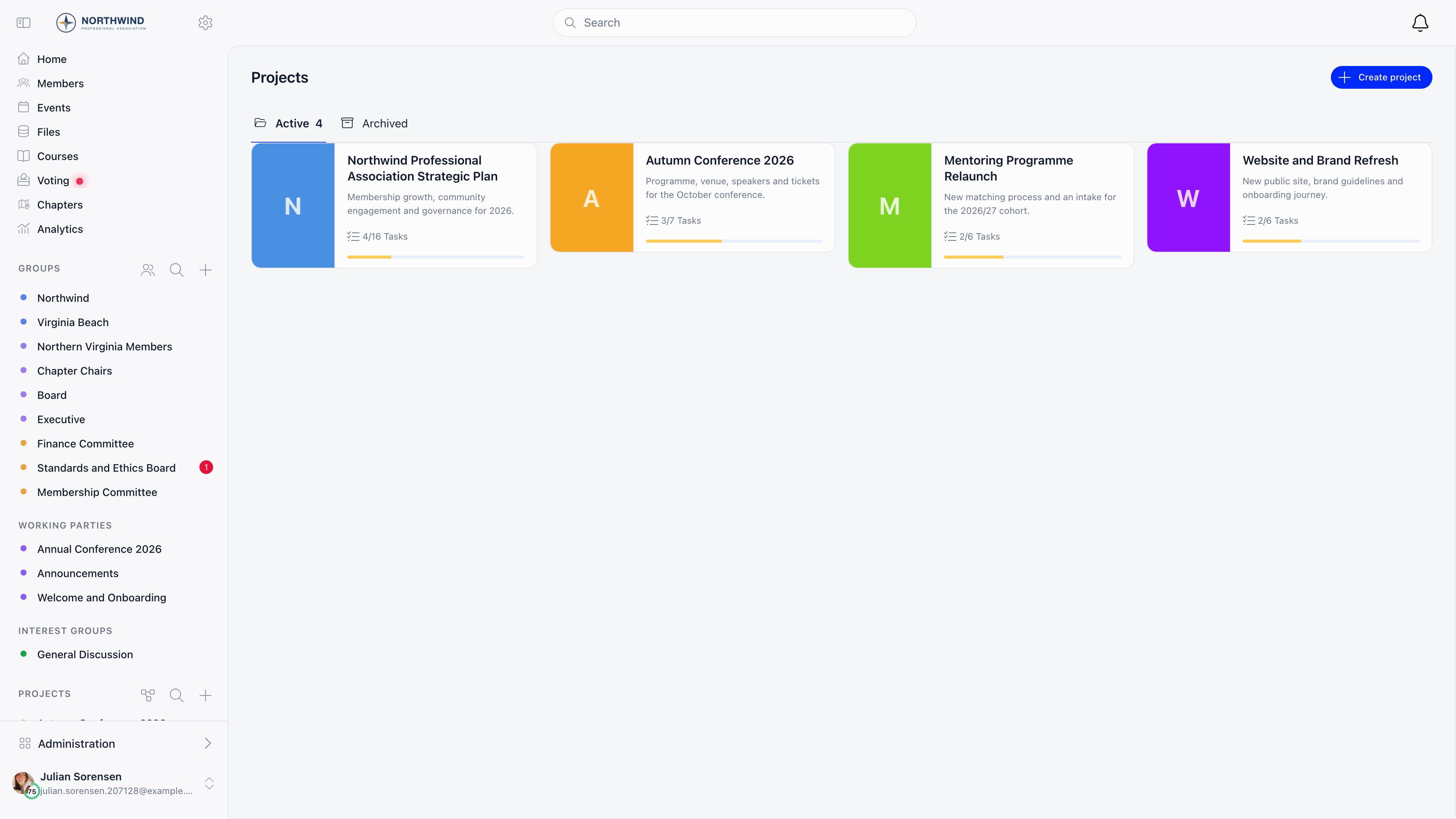
A Projects section then appears in the sidebar listing the projects you can open, with a search box past two. Its label can be renamed in the menu organiser.

Who can do what
Creating a project
Projects → Create project. Everything on the form can be changed later in project settings.
Saving creates three task statuses: To do, In Progress and Done, with Done marked as a closed status.
Giving people access
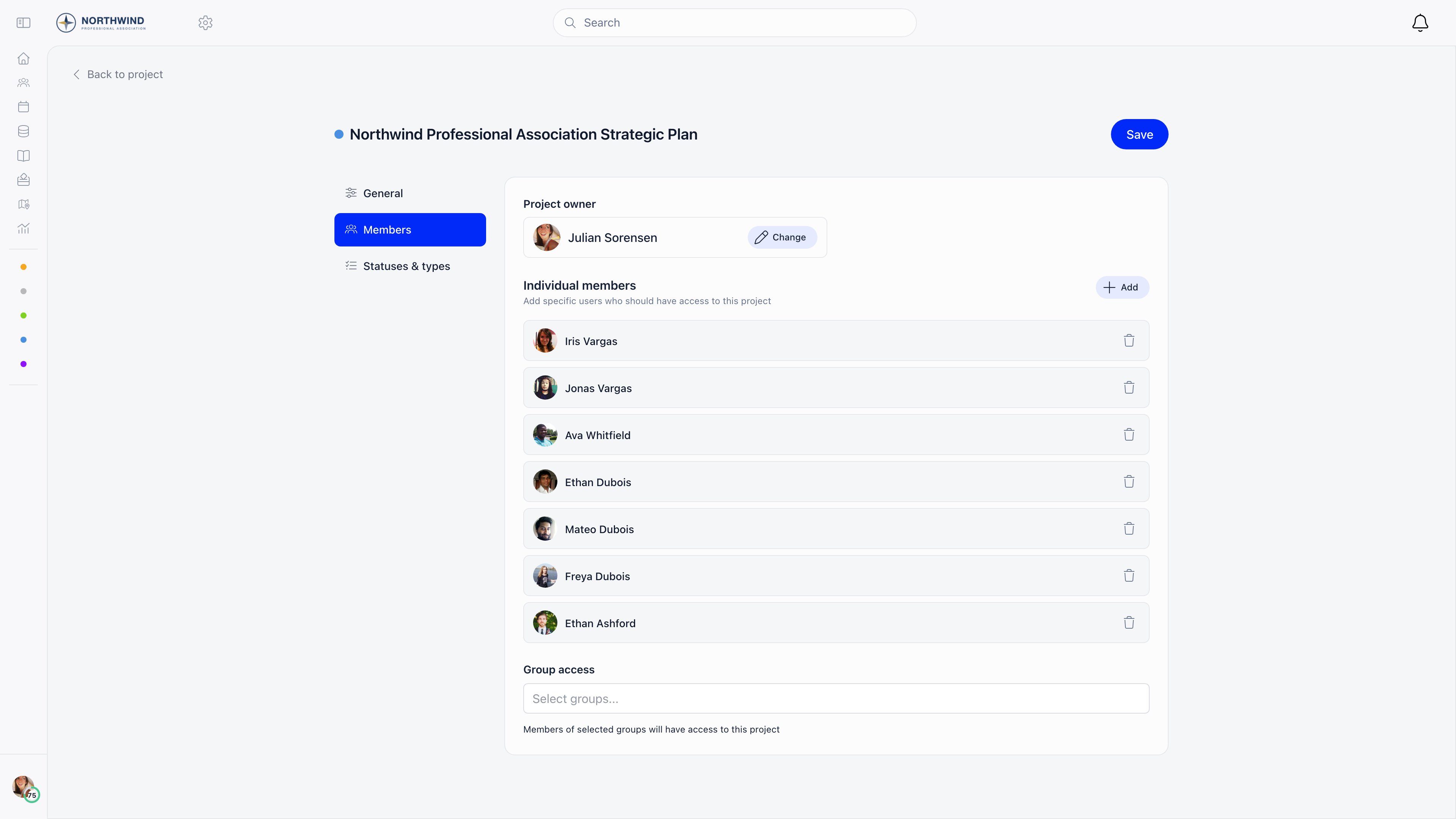
Owner, individual members and group access stack. Add individual members one at a time under Settings → Members: only active accounts qualify, and nobody twice. A member of an access group counts as an editor to the API, so use group access for the people running the project and individual members for people who only follow it.ADMIN_TENANT and HR_TENANT see every project regardless.
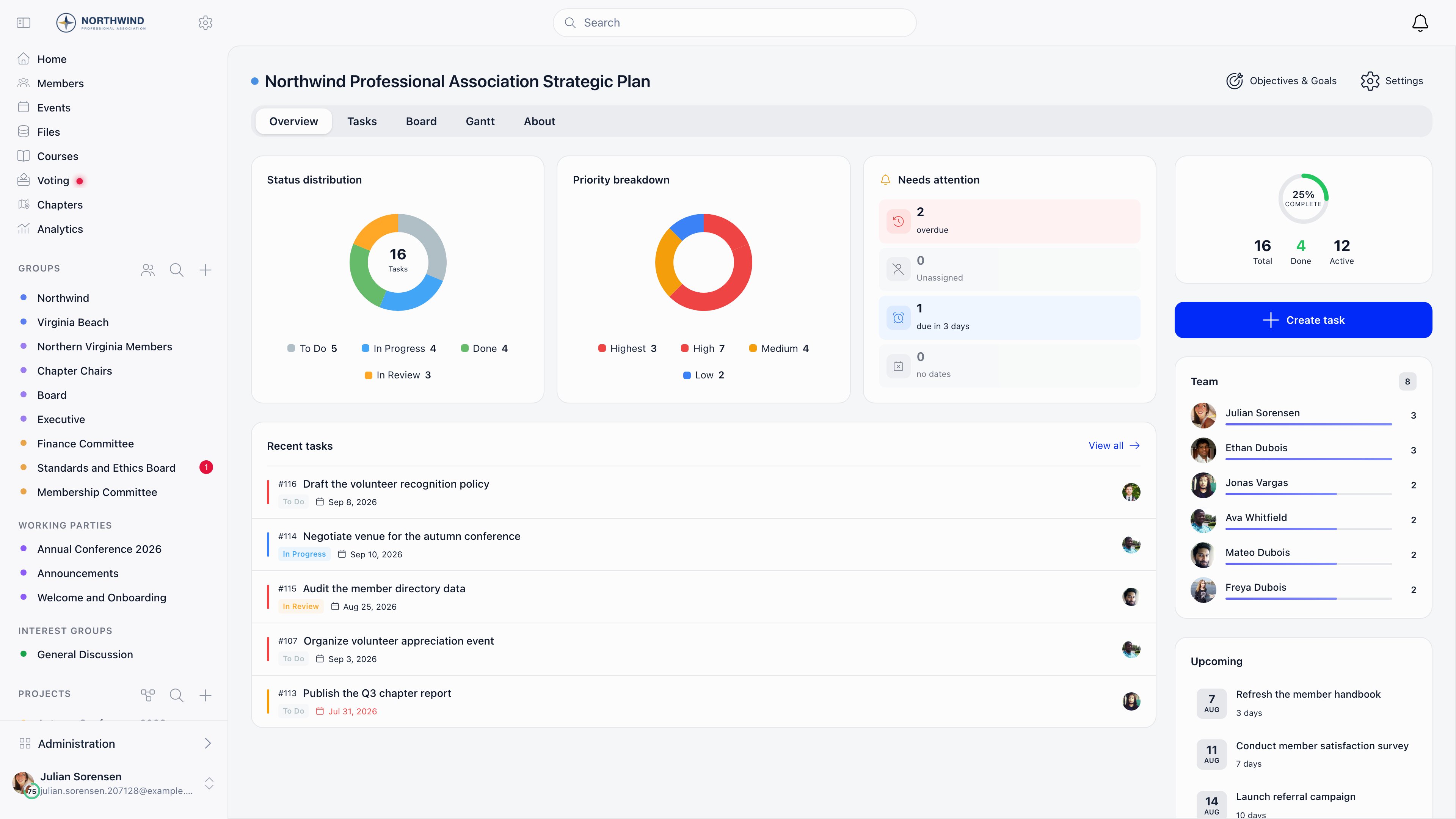
The project views
Dropping files anywhere on a project opens the new task form with those files attached.
Goals and objectives
Switch on Goals in the project’s task options, then open Objectives & Goals from the project header. A goal groups tasks into a phase or milestone: a name, an optional description, an optional parent objective, optional start and end dates. Tasks then carry a Goal field, the task list groups and filters by goal, and goals get their own Gantt bars. An objective sits a level above goals, for projects with several strands of work; turn them on with the Objectives switch on the goals screen. An objective has a name, description, colour and date range, and goals are dragged into it. With objectives off you get one flat list. Both reorder by dragging, and deleting a goal leaves its tasks in place without a goal.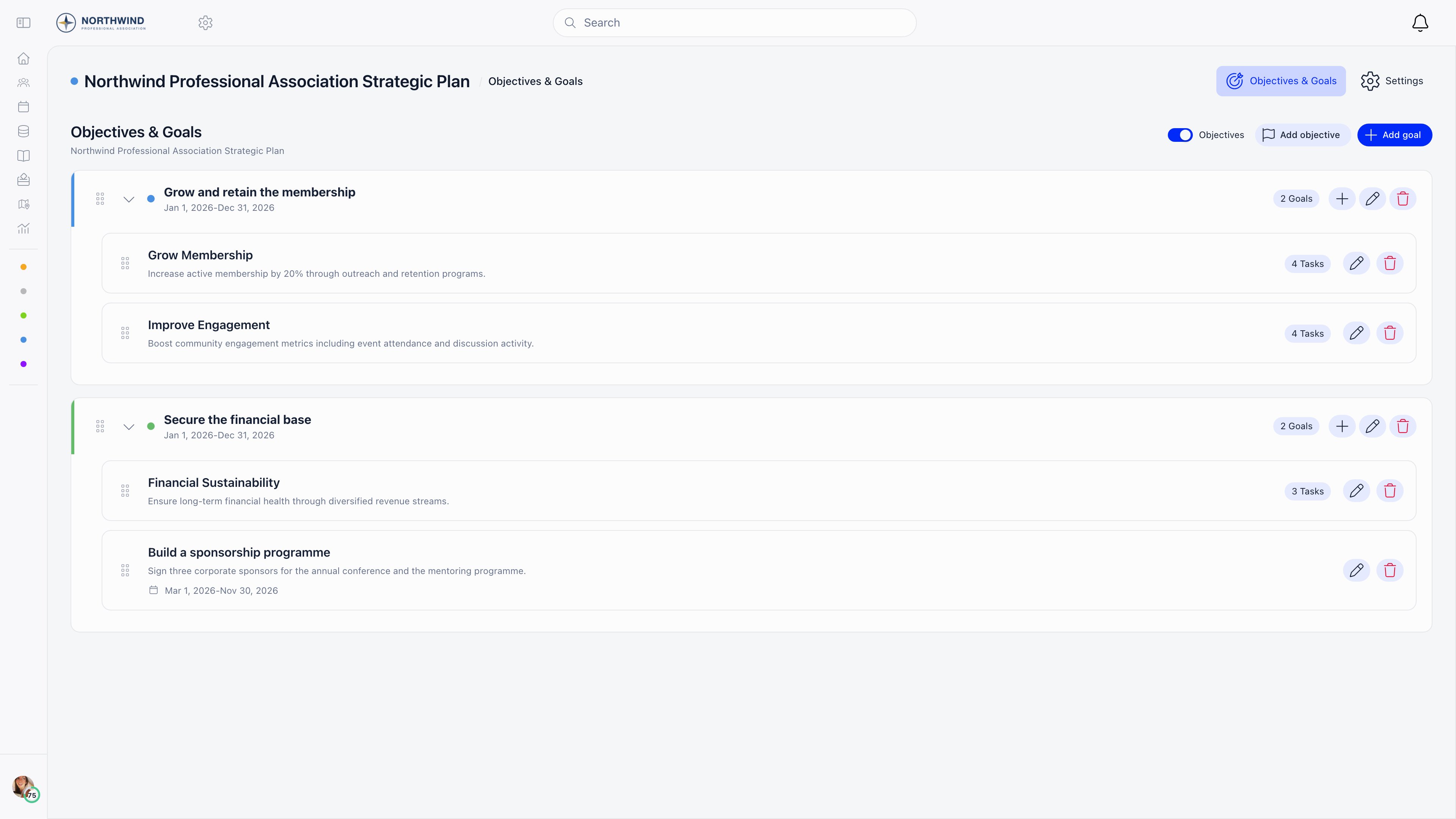
Project settings
The cog in the project header opens General (the create-form fields plus the danger zone), Members (owner, individual members, group access) and Statuses & types. Statuses and types are specific to this project: each status has a name, a colour and a Mark as closed switch deciding whether tasks in it count as complete; each type has a name and a colour. Archive project moves it to the Archived tab, still readable and unarchivable from there. Its tasks stop sending assignment, status, comment and reminder emails and drop off the dashboard My Tasks card, but still appear in the daily task digest. Delete project is permanent and takes the tasks, goals, objectives, statuses and types with it.Projects and project groups
The same module switch also turns on an older feature that uses the word project. A project group is an ordinary group with issue tracking switched on, created from Issues → New: it gains an Issues tab with its own issue statuses and types, lives with the group rather than on the Projects page, and issue tracking can only be set at group creation. See Issues. A project in the sense of this page is a separate record with its own members, tasks, board, Gantt and goals, listed under Projects in the sidebar. It can grant access to groups, but it is not one. Starting fresh, use Projects; project groups remain for organisations already tracking issues inside their groups.Related
- Tasks - everything a task holds and how the reminders work
- Issues - the group issue tracker and project groups
- Groups - the groups a project can grant access to
- Permissions - what
ADMIN_TENANTandHR_TENANTunlock - Notifications - the member-side notification switches