

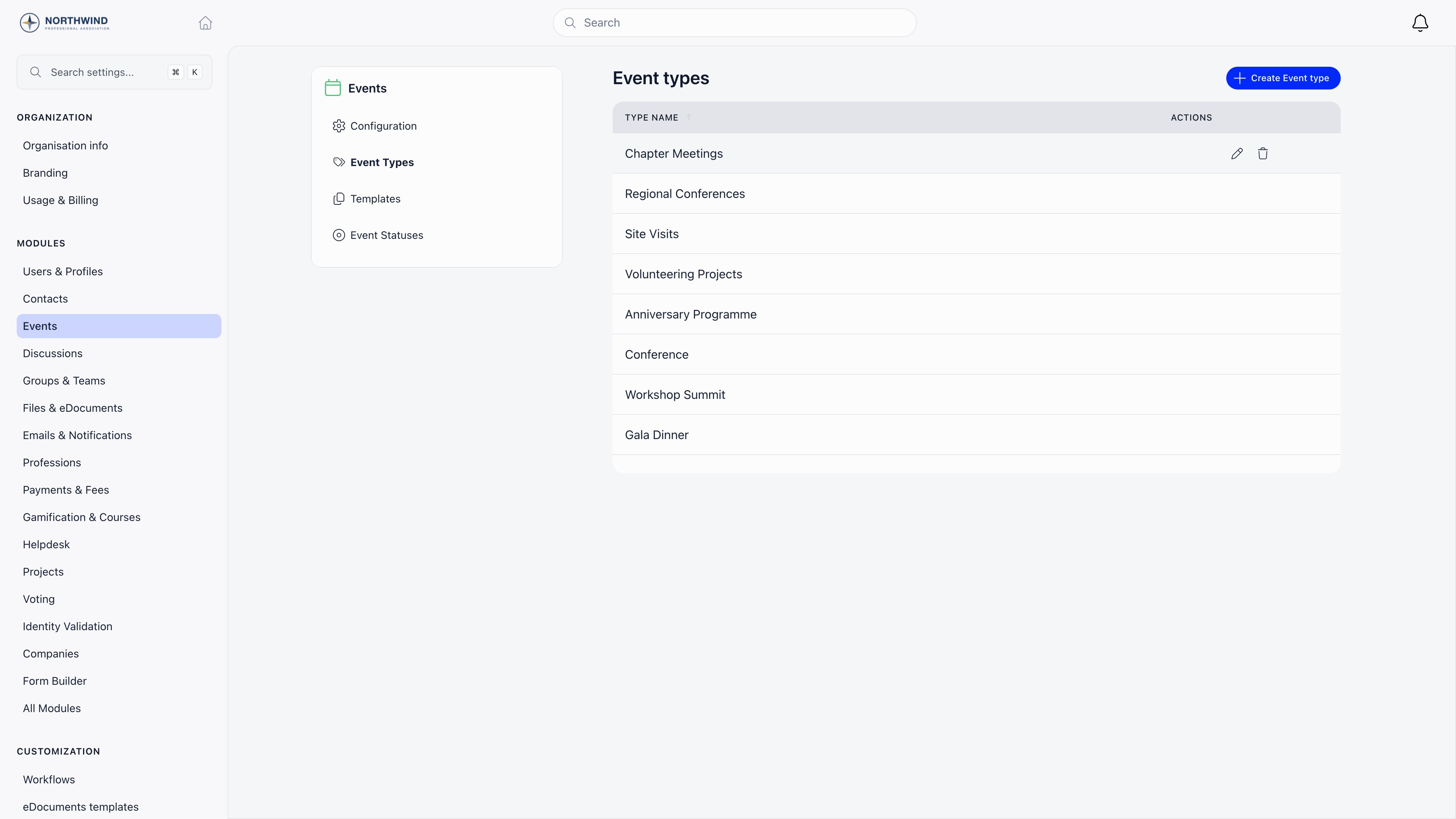
Event types
Settings → Modules → Events → Event Types. Creating, renaming, and deleting types requiresADMIN_TENANT. Every member can see and choose types.
The two special types
Two settings under Settings → Modules → Events → Configuration point at a type and change what the event form shows when it is selected:
Nothing else about an event changes with its type. Ticketing, capacity, visibility, and permissions are all set on the event itself.
Custom event statuses
Statuses are off by default. Turn on Enable Custom Statuses in Settings → Modules → Events → Configuration and an Event Statuses entry appears in the module menu.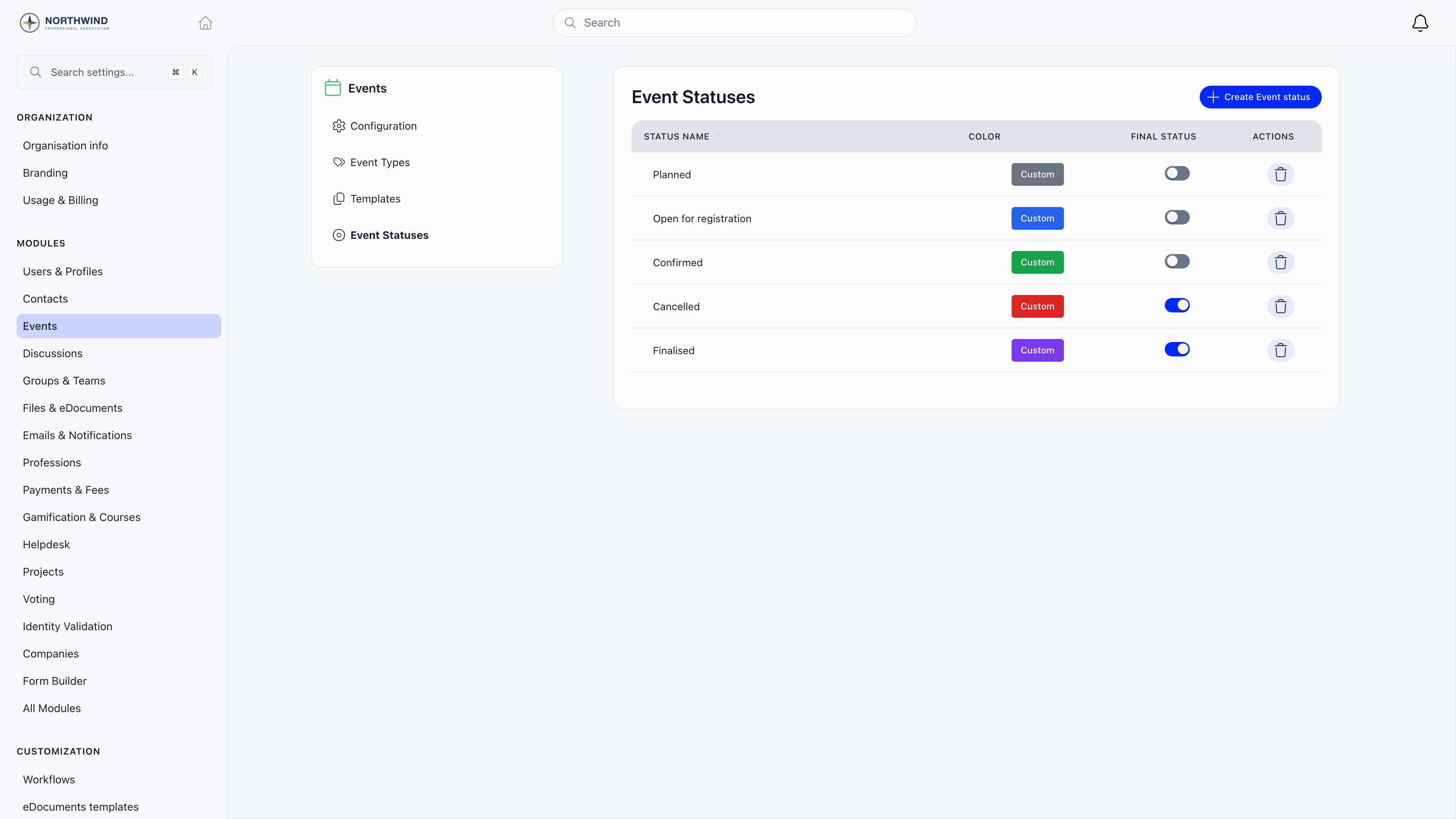
Creating, editing, and deleting statuses requires
ADMIN_TENANT.
Using statuses
On the event form, a Custom Status dropdown appears above the description with your statuses plus a None option. Admins get a Manage event statuses shortcut next to it. On the events list, an All statuses filter appears next to the event type filter.Custom statuses are a label you control. They are independent of the built-in draft and published states, which decide who can actually see an event. Moving an event to a status named “Cancelled” does not hide it or stop registrations; use Close registrations on the event form for that.
Choosing your types
Most organizations settle on five to eight types. Fewer and the filter is not worth using; more and organizers start picking at random. Some working sets:
Statuses work best as a short pipeline, for example Planned, Confirmed, Running, Finalized, with only the last one marked final.
Common questions
Can I merge two event types?
Can I merge two event types?
Not directly. Open the events on the type you want to retire, switch each to the type you are keeping, then delete the empty type.
Do members see event types?
Do members see event types?
Yes. The type name appears on event cards and members can filter the events list by it, so name them for members rather than for admins.
Can an event have more than one type?
Can an event have more than one type?
No. One type per event. Use SDG tags if you need a second, multi-value dimension for reporting.
What happens to the special-type settings if I delete that type?
What happens to the special-type settings if I delete that type?
The setting keeps pointing at a type that no longer exists, so the training and general meeting fields stop appearing. Pick a new type in Settings → Modules → Events → Configuration.
Related
- Create Event - where types and statuses get applied
- Event Templates - templates can carry a default event type
- Events overview - all Events module settings
- Annual Report - reporting across events