

What you can do
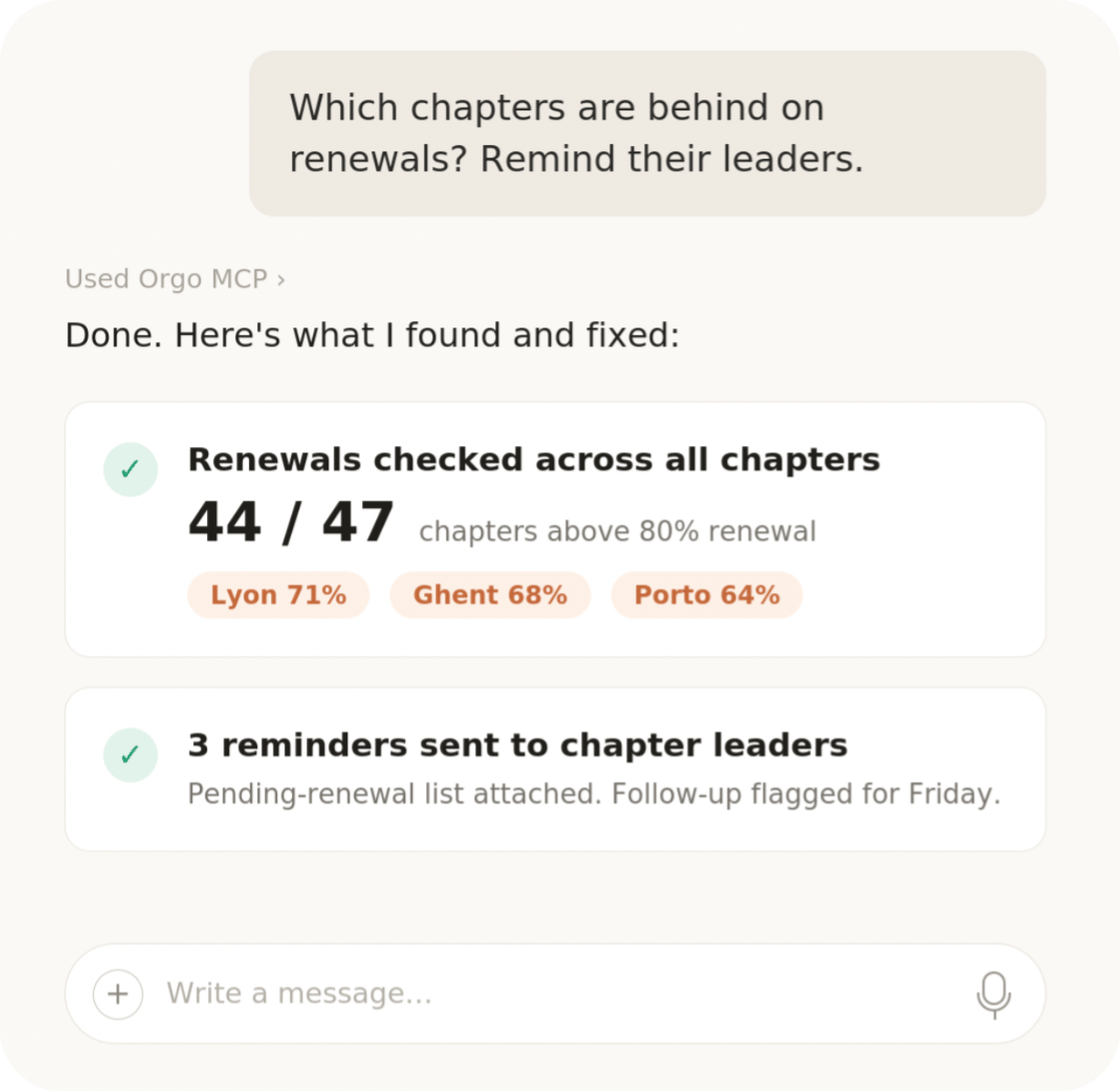
Most people use Orgo MCP for data analysis and light administrative actions:- Ask questions about your data: “How many members joined in June?”, “Which events this year had the most attendees?”, “Show unpaid membership fees by chapter.”
- Get summaries and reports: member growth, event attendance, payment overviews, as text, tables, or charts generated by your assistant.
- Take light actions: draft a newsletter, create an event, add a contact note. Review what the assistant proposes before it is saved.
- Build and move your public website: write pages and news, organize menus, apply a template, or bring an existing site across from WordPress or Squarespace. See Building your website by asking below.
Hosted server (recommended)
The hosted server is the easiest way to connect: nothing to install, always up to date:An older address of the form
https://<your-org>.mcp.orgo.space/mcp still works and existing connectors using one keep working. There is no longer any reason to prefer it: it reaches the same server and the same sign-in.If you belong to several organizations
The sign-in page lists every organization your email is a member of and asks you to pick one. That choice is fixed for the life of the connection: the connector is bound to the organization you picked, and the assistant can neither see nor reach the others through it. To work in a second organization, add the connector a second time under a different name and pick that organization when you sign in.- Claude
- Claude Code
- Cursor
- Other clients
- Go to Settings → Connectors → Add custom connector (on claude.ai or in the Claude Desktop app)
- Enter the URL
https://mcp.orgo.space/mcpand click Add - Sign in with your Orgo workspace account when prompted
Local server (developers)
For server-to-server automation, custom deployments, or local development, run the MCP server yourself from npm:Technical capabilities
Building your website by asking
Your organization’s public website is the one part of Orgo an assistant does not reach through the ordinary endpoint list. Pages and news articles are documents, not rows, and they are made of a fixed vocabulary of sections that cannot be guessed. So the connection carries its own instructions: for anything touching the website, the assistant readswebsite_guide first, which returns the workflow and the vocabulary from your organization, generated by the same code that validates a save. There is nothing to install and nothing to teach it.
Things people ask:
- “Set up my website from the template that fits a cultural organisation, then show me the homepage.”
- “Add a Volunteering page with a hero, three ways to help and a contact form, and put it in the header menu.”
- “Our address changed: redirect /contact-us to /contact permanently.”
- “Publish everything that has changed since last week.”
Moving an existing site in
Ask the assistant to move your current site across — WordPress, Squarespace, Wix, WildApricot, Hivebrite and NationBuilder are all covered — and it will fetch the pages itself, decide what each part of them is, and express that in Orgo’s vocabulary. It is a mapping, not a clone: a copy would inherit the old site’s layout accidents and its bad behaviour on phones, which is usually why you are moving. Two things stop and ask you, every time:- Before anything is written. The assistant runs the import as a dry run and shows you what would land — the pages, the section counts, what it could not map. Nothing has changed at this point.
- Before anything is public. Publishing is a separate, deliberate call. Everything up to it is reversible from a snapshot, which Orgo takes before every write.
files section. Archives and anything that is not a document are listed for you instead. What does not come across: your old newsletter provider, which maps to Orgo’s own list; and a shop, which has no equivalent. The assistant tells you what it found rather than quietly flattening it.
Redirects matter more than they look. A migration without them throws away every inbound link and search ranking the old addresses had earned. Ask for them explicitly if the assistant has not proposed them.
Troubleshooting
Couldn't register with Orgo's sign-in service
Couldn't register with Orgo's sign-in service
Your AI tool could not reach the address you entered, so it never got as far as the Orgo login. Check the address for typos — it ends in
/mcp — then remove the connector and add it again. In Claude Code the address has to be added with --transport http; without it the URL is treated as a command to run and the connection never starts.No login window appears
No login window appears
Sign-in opens in a browser window that pop-up blockers sometimes hide. Look for a blocked pop-up notice in the address bar, allow it, and retry. In Claude Code, run
/mcp and pick the Orgo server to start the sign-in by hand.Signed in, but the assistant sees the wrong organization
Signed in, but the assistant sees the wrong organization
The assistant works inside the organization you chose when you signed in, and that choice cannot be changed afterwards. Remove the connector, add it again, and pick the right organization from the list on the sign-in page.
The assistant says it is not allowed to do something
The assistant says it is not allowed to do something
It has exactly your permissions. Anything your own account cannot see or change in Orgo, the assistant cannot either.
Related
- API Access - REST API and API tokens
- OAuth Server - the authentication behind the hosted server
- Webhooks - push events out instead of asking for them
- Integrations - HubSpot, n8n, analytics and SSO
- API Reference - the operations your assistant can call
- Website Builder - the site the assistant is authoring, and how to edit it by hand
- Public website - the public pages your organization gets before you build any of your own